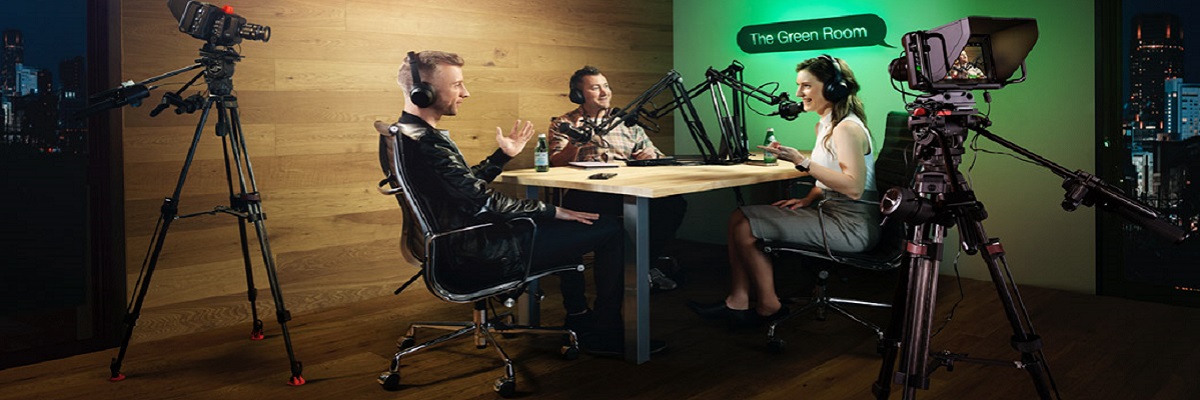
Broadcast HD live video from OBS Studio or VirtualDJ to unlimited viewers worldwide. This guide covers RTMP setup, video sources, and going live in minutes.
Find these in your control panel under EDIT on your video server. You will need them for both OBS and VirtualDJ setup.
| RTMP Server URL | rtmp://[YOUR SERVER HOST]:[YOUR PORT]/live |
| Stream Key | [YOUR STREAM KEY] |
| Stream Player URL | https://[YOUR SERVER HOST]/video/players/[YOUR PORT].php |
These credentials are in your welcome email and in your control panel under EDIT.
OBS Studio is free, open-source, and the most popular streaming software for video. Download it from obsproject.com.
Custom...| Server | rtmp://[YOUR SERVER HOST]:[YOUR PORT]/live |
| Stream Key | [YOUR STREAM KEY] |
In the Sources panel (bottom-left), click the + button and choose:
| Plan Tier | Resolution / FPS | Video Bitrate | Audio Bitrate |
|---|---|---|---|
| Entry (512 kbps) | 480p / 30 fps | 500 kbps | 128 kbps AAC |
| Standard (1024 kbps) | 720p / 30 fps | 900 kbps | 128 kbps AAC |
| HD (2048 kbps) | 1080p / 30 fps | 1,900 kbps | 160 kbps AAC |
Set Keyframe Interval = 2s, enable CBR, use x264 or NVENC.
VirtualDJ supports video broadcasting directly from its interface:
OTHER.| URL | rtmp://[YOUR SERVER HOST]:[YOUR PORT]/live |
| Stream Key | [YOUR STREAM KEY] |
| Quality | LOW (increase once working) |
Open your stream player URL in a browser to confirm video is broadcasting:
Web Browser (Chrome/Firefox)
https://[YOUR SERVER HOST]/video/players/[YOUR PORT].php
Virtual Worlds (Second Life, Alife Virtual)
Go to World → Parcel Details → Media tab → paste the player URL in the Home Page field.
rtmp://[host]:[port]/live — no trailing slash.x264 to NVENC (NVIDIA) or AMD AMF GPU encoding.veryfast or ultrafast.Get your video stream server with AutoDJ and restream included — starting at $16/month. Try free for 7 days, no credit card needed.