24/7 YouTube Broadcasting
YouTube Live TV: Stream 24/7 Channels on YouTube
Create YouTube TV-style channels with continuous 24/7 streaming. Automated playlist broadcasting, scheduled programming, TV-like channel guide. Reach 2.7 billion YouTube users with your always-on content channel.
- 24/7 automated playlist streaming to YouTube
- TV-style channel with scheduled programming
- No manual OBS operation required
What is YouTube Live TV Streaming?
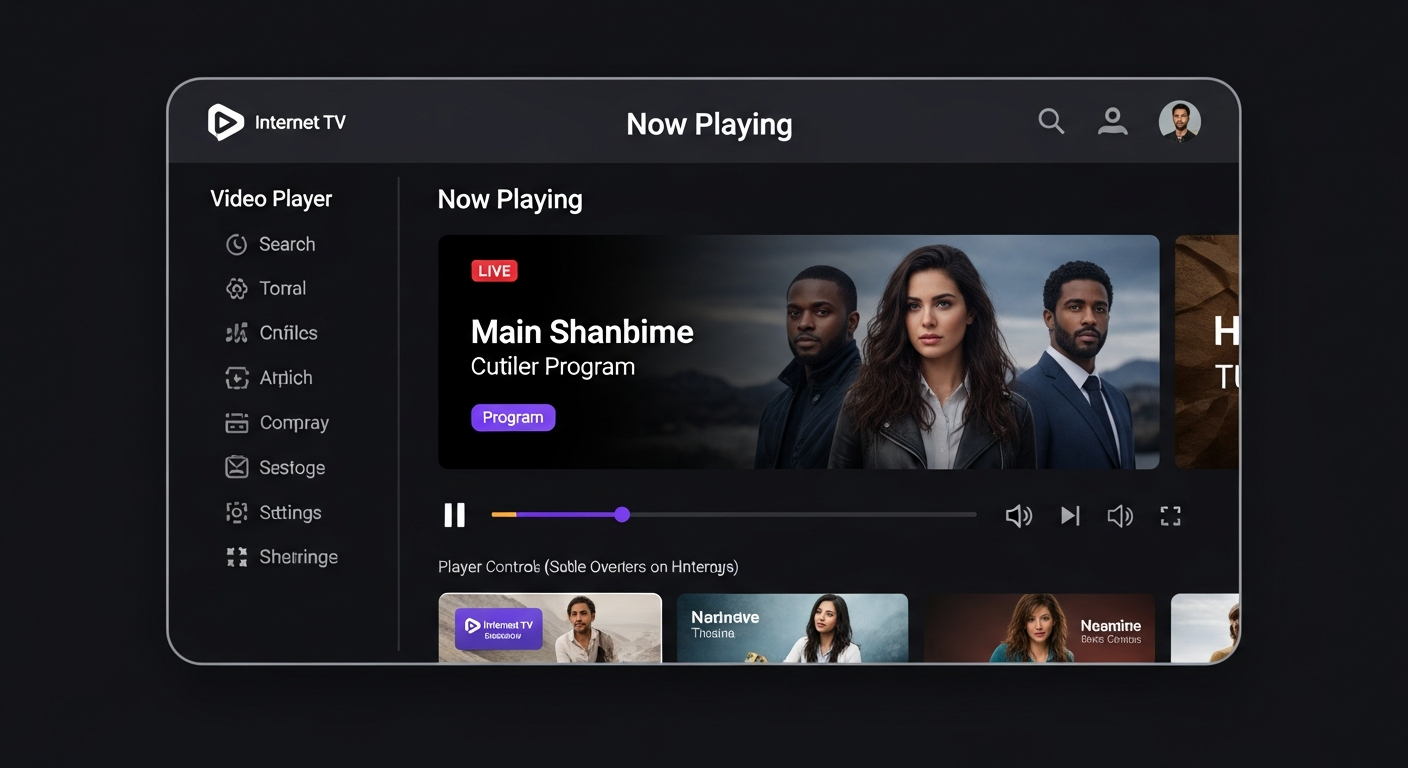
YouTube Live TV means running a 24/7 continuous YouTube Live stream that functions like a traditional TV channel. Instead of scheduled YouTube uploads, your channel is always live broadcasting content from a playlist. Viewers tune in anytime and watch whatever's currently playing—like watching a TV station.
Think Pluto TV or YouTube's own "Live" section. These are curated content playlists that loop continuously. Popular formats: 24/7 lofi music channels (ChilledCow), 24/7 movie channels (classic films), 24/7 news channels (Sky News), 24/7 gaming (Minecraft streams), 24/7 nature cams (aquariums, wildlife).
Our platform automates the entire process. You upload your video library, create playlists with scheduling (7pm: Movie, 9pm: News, 10pm: Sports), and we continuously stream to your YouTube channel. No OBS running on your computer 24/7. Fully cloud-based, set-and-forget operation.
Why Create 24/7 YouTube Channels?
- Algorithmic favor: YouTube promotes live content 6x more than VOD in recommendations
- Viewer retention: Viewers stay 8x longer on 24/7 channels vs on-demand videos (passive watching)
- Monetization: Continuous ad impressions = higher CPM. $10-15 CPM vs $2-5 for VOD
- Constant presence: Always available when viewers search for your content type
- Community building: Live chat creates ongoing conversation, not one-time comments
- Content recycling: Reuse existing video library without constant new production
Popular 24/7 YouTube Channel Types
Music Channels
Lofi beats, jazz, classical, worship music. ChilledCow-style study/work music.
Movie Channels
Classic movies, public domain films, anime marathons. Scheduled like TV network.
News Channels
Local news replays, weather updates, community announcements rotating 24/7.
Gaming Channels
Minecraft peaceful builds, speedrun compilations, esports tournament replays.
Nature Cams
Aquarium streams, bird feeder cams, fireplace loops, rain sounds ambience.
Educational Channels
Lecture series, documentary marathons, language learning on loop.
Podcast Channels
Podcast video replays running continuously. Passive discovery for new listeners.
Wellness Channels
Meditation guides, yoga flows, sleep sounds, ASMR streams.
How to Set Up 24/7 YouTube Live TV
Upload Content Library
Upload your video files to our platform. Organize into playlists by theme/time. Example: Morning Music (6am-12pm), Afternoon Shows (12-6pm), Evening Movies (6pm-12am), Overnight Music (12-6am).
Configure YouTube Settings
Enable YouTube Live on your channel. Get persistent stream key. Set stream to "Public" or "Unlisted." Add stream title with 🔴 LIVE emoji. Set category (Music, Entertainment, Gaming). Enable live chat and monetization.
Start Automated Streaming
Connect your YouTube stream key to our restreaming platform. Select playlists to broadcast. Set schedule (optional: time-based playlists). Click "Start 24/7 Stream." Our servers handle continuous broadcasting—no computer required!
Advanced YouTube TV Features
Time-Based Scheduling
Schedule playlists by day/time like real TV network. Monday-Friday 9am-5pm: Educational content. Weekends: Entertainment. Holidays: Special programming. Automatically switches at scheduled times.
Example: Sunday morning worship music 6-10am → Sunday service replay 10am-12pm → Afternoon teaching series 12-6pm → Evening music 6pm-midnight.
Smart Playlist Rotation
Auto-shuffle playlist order daily to avoid YouTube repetitive content flags. Videos play in different sequence each day. Looks fresh to YouTube algorithm while reusing same content library.
Benefit: 12 hours of video content → Appears as unique content for months with daily shuffling. Passes YouTube's content reuse checks.
Live Lower Thirds & Graphics
Add live graphics overlay: scrolling text (news ticker), social media handles, donation goals, schedule of upcoming content. Updates without stopping stream.
Use case: Church channel shows upcoming events ticker at bottom. Fundraiser thermometer in corner. Changes in real-time during live broadcast.
Multi-Platform Simulcast
Stream same playlist to YouTube + Facebook + Twitch + your website simultaneously. One content library → 4 platforms → 4x audience reach.
Strategy: YouTube for discovery, Facebook for engagement, Twitch for gaming, website for ownership. Cross-promote between platforms.
YouTube Live TV Monetization
24/7 channels often earn 3-5x more than on-demand videos due to higher watch time and continuous ad impressions. Here's the math:
Traditional YouTube VOD
- Average video: 10 minutes watch time
- CPM: $2-5 per 1000 views
- 100K monthly views = $200-500 revenue
- Requires constant new content
- Monetization after 1000 subs + 4000 watch hours
24/7 Live TV Channel
- Average session: 45-60 minutes watch time
- CPM: $10-15 per 1000 views (live content premium)
- 100K monthly views = $1000-1500 revenue
- Reuse existing content library
- Faster monetization (live streams counted at 2x for watch hours)
Real Example: 24/7 Lofi Music Channel
Stats: 50 concurrent viewers average, 24/7/365 operation
Monthly views: 50 viewers × 60 min average × 30 days = 90,000 hours watched = 1.2M views
Monthly revenue: 1.2M views × $12 CPM / 1000 = $14,400
Hosting cost: $8/month for stream
Net profit: $14,392/month
Launch Your 24/7 YouTube TV Channel
Automated playlist streaming to YouTube. No OBS required. Set up once, stream forever. Monetize with ads, build audience 24/7.
7-day free trial • $8/month • Unlimited streaming