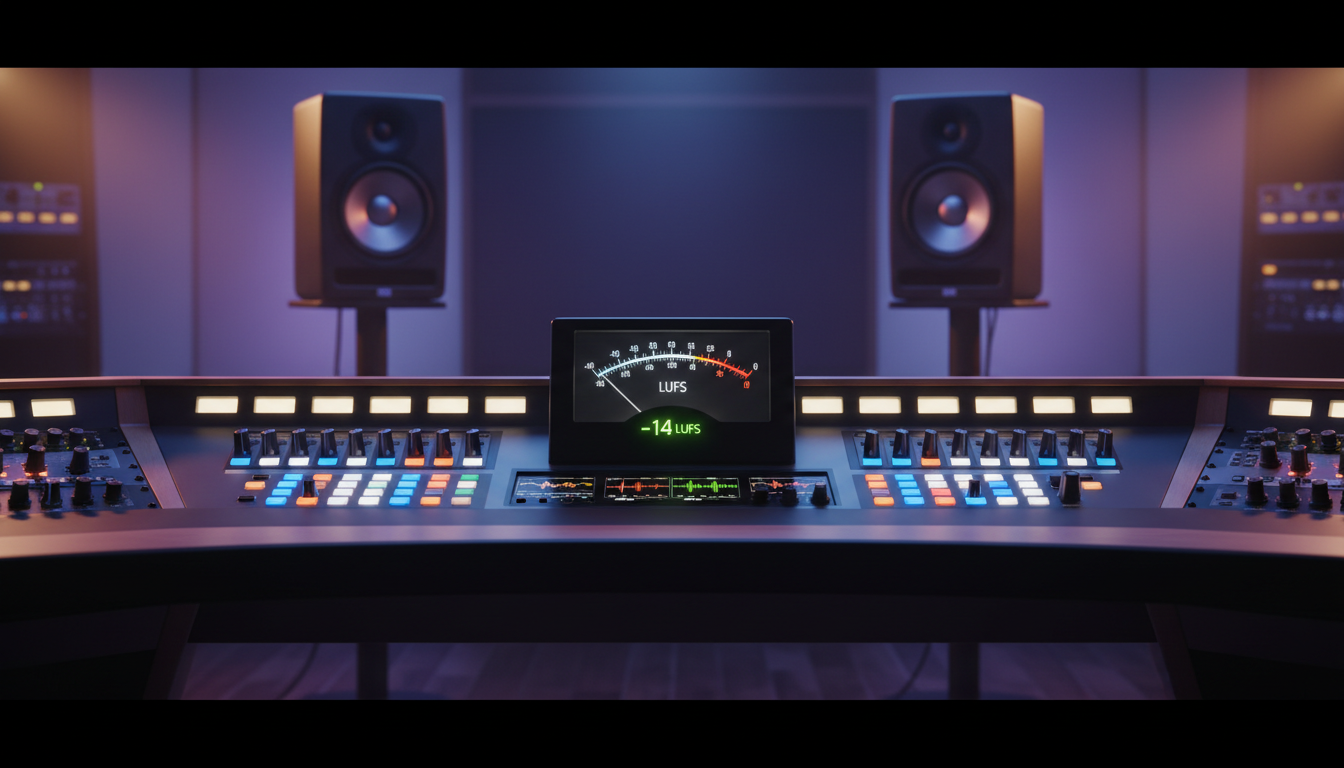
What is LUFS and Why Does It Matter for Streaming?
If you've ever been listening to an online radio station and had to constantly adjust your volume between songs, you've experienced the problem that LUFS was designed to solve. One track is a quiet acoustic piece, the next is a heavily compressed rock anthem, and then the DJ's microphone sounds like it's shouting at you. This inconsistency is jarring and unprofessional, and it's one of the quickest ways to make a listener tune out.
LUFS, which stands for Loudness Units Full Scale, is a standardized measurement of perceived audio loudness. Unlike older methods that just measured the electrical signal's peak level, LUFS is a sophisticated algorithm that mimics how the human ear actually experiences sound. It takes into account both frequency and duration, providing a much more accurate picture of how "loud" a track will feel to your audience.
Think of it this way: A short, sharp snare hit might have a very high peak level, but it won't sound as "loud" as a sustained, mid-range synthesizer pad with a lower peak level. LUFS understands this distinction. By standardizing your entire audio library—songs, jingles, voice-overs, and live inputs—to a consistent LUFS target, you create a smooth, professional, and enjoyable listening experience. This is no longer an optional tweak; it's a fundamental requirement for any serious broadcaster in today's competitive streaming landscape.
Pro Tip: Choosing Your Target LUFS
While there's no single "correct" LUFS value, industry standards have emerged. Spotify, YouTube, and Apple Music all normalize audio to between -14 LUFS and -16 LUFS. For a music-focused online radio station, a target of -16 LUFS Integrated with a True Peak of -1.0 dBTP is an excellent starting point. This provides a healthy dynamic range without sounding too quiet compared to major platforms. For talk radio or podcasts, you might aim slightly louder, around -18 LUFS, to prioritize speech clarity. The key is consistency across all your content.
LUFS vs. RMS vs. Peak Normalization: A Broadcaster's Guide
To truly grasp the power of LUFS, it's helpful to understand the measurement methods it replaced. For decades, broadcasters relied on Peak and RMS meters, which each have significant drawbacks for ensuring a consistent listener experience.
The Old Ways: Peak and RMS
- Peak Normalization: This method finds the absolute loudest, instantaneous point in an audio file and adjusts the entire file's gain so that this peak hits a specific level (e.g., -0.1 dBFS). Its only real job is to prevent digital clipping (horrible distortion). However, it tells you nothing about the perceived loudness. A file with one loud drum hit and quiet vocals will be normalized to the same peak level as a heavily compressed file that is loud all the way through, resulting in a massive perceived volume difference.
- RMS (Root Mean Square) Normalization: RMS was an improvement, as it measures the average power of the signal over a short window of time. This gives a better approximation of loudness than a simple peak measurement. However, standard RMS metering still falls short because it treats all frequencies equally. The human ear is much more sensitive to mid-range frequencies (like the human voice) than very low or very high frequencies. An RMS-normalized track with a lot of sub-bass might seem quieter to a listener than a track with the same RMS level focused in the midrange.
The Modern Standard: LUFS (Loudness Units Full Scale)
LUFS, defined by the ITU-R BS.1770 standard, is the culmination of decades of psychoacoustic research. It's superior for several key reasons:
- K-Weighting: It applies a special frequency curve (known as K-weighting) that emphasizes the frequencies our ears are most sensitive to, and de-emphasizes those we don't hear as well.
- Gating: It includes a "relative gate" that intelligently ignores very quiet or silent sections of a track. This prevents a song with a long, silent outro from artificially dragging down its overall loudness measurement.
- Multiple Measurements: LUFS provides several key metrics:
- Integrated Loudness (I): The average loudness over the entire duration of the file. This is your main target for normalization.
- Short-Term Loudness (S): Measures loudness over a 3-second window. Useful for monitoring in real-time.
- Momentary Loudness (M): Measures loudness over a 400ms window, showing immediate peaks in perceived volume.
- True Peak (TP): A more advanced peak measurement that accounts for inter-sample peaks that can occur during digital-to-analog conversion, preventing clipping on the listener's end device.
| Metric | What It Measures | Best For | Drawback |
|---|---|---|---|
| Peak | Highest instantaneous sample value | Preventing digital clipping | Poor indicator of perceived loudness |
| RMS | Average signal power over time | A better loudness estimate than Peak | Doesn't account for human frequency perception |
| LUFS | Perceived loudness using psychoacoustic model | Achieving consistent volume across all content | Requires more processing power to measure |
Pro Tip: LUFS and Modern Streaming Infrastructure
Legacy Shoutcast servers simply push bits without any intelligence. At Shoutcast Net, our modern platform is built to handle the complexities of today's media. Proper LUFS management is part of a professional workflow that our system supports perfectly. Whether you're using our powerful AutoDJ or pushing a live feed, our infrastructure ensures your carefully prepared audio reaches your listeners with pristine quality, up to 320 kbps for audio streams. This commitment to quality is what sets us apart.
The Problem: How Inconsistent Volume Kills Your Audience
Let's paint a picture of a typical scenario on a non-normalized stream. A listener, Sarah, tunes into your station while working.
- Track 1: A classic rock song from the 70s comes on. It has a wide dynamic range and is naturally quieter. Sarah turns her volume knob up to hear it properly.
- Track 2: The next song is a hyper-compressed pop track from 2023. The perceived volume is 6 dB louder. The intro blasts through Sarah's speakers, startling her and forcing her to scramble for the volume knob to turn it down. Annoyance level: rising.
- DJ Interruption: Your live DJ segment kicks in. The DJ's microphone is not processed correctly and is even louder than the pop track, with harsh sibilance. Sarah winces and turns the volume down again.
- Track 3: A quiet ambient track begins to play. Sarah can barely hear it now because she turned the volume down so much. Frustrated with the constant adjustments, she closes the player and puts on a Spotify playlist instead.
You've just lost a listener due to "listener fatigue." This phenomenon is the physical and mental exhaustion caused by exposure to inconsistent, poorly managed audio levels. It's the audio equivalent of having someone randomly shout and whisper at you. It breaks the listener's immersion, makes your station sound amateurish, and ultimately drives your audience away.
In a world of infinite listening choices, you cannot afford to give your audience a reason to leave. A professionally normalized stream, where music, jingles, and voice all sit at a consistent perceived loudness, is a sign of quality. It allows your listeners to "set it and forget it," letting them enjoy your programming without ever having to touch their volume control. This is the foundation of long-term audience retention.
Pro Tip: Beyond Songs – Normalize Everything
Don't just normalize your music library. Every single audio element that goes on air needs to be normalized to your target LUFS. This includes station IDs, jingles, sweepers, pre-recorded interviews, and advertisements. A loud, un-normalized ad can be even more jarring than a loud song. Taking the time to process your entire station imaging package is a hallmark of a truly professional online radio station. Shoutcast Net's AutoDJ makes managing these diverse assets simple.
How to Measure and Apply LUFS to Your Audio Library
Now for the practical part. Normalizing your library might sound daunting, but modern tools make it a straightforward process. You can do this on a file-by-file basis or, more efficiently, as a batch process for your entire music collection before uploading it to your Shoutcast hosting server.
Tools for LUFS Measurement and Correction
- Digital Audio Workstations (DAWs): Most modern DAWs like Logic Pro X, Reaper, and Adobe Audition have built-in loudness meters. You can analyze a file and then use the DAW's gain or normalization tools to adjust it to your target. For free options, Audacity can use third-party LUFS meter plugins.
- Standalone Metering Plugins: Youlean Loudness Meter (which has a great free version) and iZotope Insight are industry-standard plugins that work inside your DAW or video editor. They provide detailed, real-time analysis of Momentary, Short-Term, and Integrated LUFS.
- Batch Processing Software: For large libraries, a dedicated batch processor is essential. iZotope RX has excellent batch processing capabilities. However, a powerful and free command-line tool, FFmpeg, is perfect for this task.
Batch Normalizing with FFmpeg
FFmpeg is a versatile open-source tool for audio and video manipulation. Its `loudnorm` filter is a two-pass system that first analyzes the file and then applies the precise gain change needed to hit your target LUFS. This is the most accurate way to normalize.
Here is an example command to normalize a single MP3 file to -16 LUFS Integrated and -1.0 dBTP True Peak. You can adapt this into a script to process your entire library.
ffmpeg -i "input.mp3" -af loudnorm=I=-16:TP=-1:LRA=11 -ar 44100 "output.mp3"Let's break down that command:
-i "input.mp3": Specifies your source file.-af loudnorm=...: Applies the audio filter "loudnorm".I=-16: Sets the target Integrated Loudness to -16 LUFS.TP=-1: Sets the maximum True Peak to -1.0 dBTP.LRA=11: Sets the target Loudness Range. A higher number allows for more dynamic range. 11 is a good starting point.-ar 44100: Ensures the output sample rate is set to 44.1kHz, a standard for audio."output.mp3": The name of your new, normalized file.
Pro Tip: The Two-Pass Advantage
For the absolute best quality with FFmpeg, use the two-pass mode. The first pass just analyzes the audio and prints the results without creating a file. You then feed these "measured" values into the second pass for perfect correction. While more complex to script, this avoids any potential gain limitations of the single-pass method on extremely dynamic files. This level of technical control is what our most professional broadcasters value.
Automating Loudness with Shoutcast Net's AutoDJ
Manually normalizing your library is a crucial first step, but the real power comes from integrating this workflow with a smart automation system. This is where Shoutcast Net's advanced AutoDJ system shines, leaving legacy Shoutcast and basic Icecast hosting far behind.
Our AutoDJ is more than just a playlist scheduler. It's the cloud-based brain of your radio station. After you've normalized your library and uploaded it via FTP or our web-based file manager, the AutoDJ takes over. You can build sophisticated playlists, schedule different genres for different times of day, and seamlessly mix in your station jingles, ads, and pre-recorded segments.
The key benefit is that because all your assets are pre-normalized to the same LUFS target, the AutoDJ delivers a perfectly consistent stream 24/7, without any manual intervention. But what about live shows? Our system handles that transition flawlessly. When a live DJ connects to the server, the AutoDJ can be configured to fade out and hand over the stream. As long as the live DJ is also mindful of their output level (using a real-time LUFS meter in their broadcast software), the transition from automated content to live show and back again is completely seamless for the listener.
This robust automation and live-assist capability is a core feature of the Shoutcast Net platform. It's designed to empower everyone from school radio stations to professional music streamers to run a top-tier broadcast with minimal effort. Our goal is to let you focus on creating great content, while we handle the complex technology that lets you stream from any device to any device.
Pro Tip: ReplayGain and AutoDJ
Many media players and some automation systems use ReplayGain tags. These are metadata tags stored in the audio file that tell the player how much to adjust the volume. Our AutoDJ has advanced capabilities that can utilize these tags for on-the-fly normalization. By scanning your files for ReplayGain information upon upload, our system can ensure consistent loudness even if you haven't manually re-encoded every file. This provides a powerful safety net and makes managing a large, diverse library even easier. Check out our plans starting at just $4/month to get started.
Why Flat-Rate Streaming Beats Per-Viewer Costs Every Time
Mastering technical concepts like LUFS normalization is about achieving professional quality. The final piece of the puzzle is choosing a hosting partner whose business model supports your growth, rather than penalizing it. This is the single biggest difference between Shoutcast Net and expensive, enterprise-focused platforms like Wowza.
Providers like Wowza often use a complex per-hour, per-viewer billing model. This means that as your station becomes more popular, your bill gets higher. A viral moment or a successful promotion could lead to a surprise invoice for hundreds or even thousands of dollars. This unpredictable pricing model is toxic for independent broadcasters, churches, and community radio stations who need to manage a fixed budget.
Shoutcast Net is built on a simple, transparent, flat-rate model. We believe your success should be celebrated, not billed. Our plans are based on a fixed number of concurrent listener slots at a predictable monthly price. For example, our audio streaming plans start at just $4/month for 100 listeners, and go to $8/month for 500 listeners, and $16/month for 1,000 listeners. All plans come with unlimited bandwidth and 99.9% uptime. Your bill is the same every month, regardless of how many hours your listeners tune in.
This philosophy extends across our entire service. We offer a powerful platform that supports any stream protocols to any stream protocols (RTMP, RTSP, WebRTC, SRT, etc), enabling you to create sophisticated workflows. Need to send your audio and video stream to social media? We offer a free Restream to Facebook, Twitch, YouTube feature (included on every audio and video plan). Want to achieve broadcast-level responsiveness? We offer configurations for very low latency 3 sec streaming. All of this is wrapped in a predictable cost that empowers you to grow.
Stop worrying about surprise bills and complex technical limitations. Focus on your content and your community, and let us provide the rock-solid, fairly-priced foundation for your station. You can explore all our features and see the difference for yourself with our no-obligation 7 days trial.
Pro Tip: Budget for Growth, Not for Penalties
When choosing a streaming provider, think about your total cost of ownership. A cheap introductory rate from a per-GB provider can quickly become expensive. With Shoutcast Net's flat-rate plans, you can budget with confidence. Whether you have 10 listeners or 1,000, your cost is fixed. This allows you to invest your resources back into what matters: creating great content, marketing your station, and growing your audience. Check out our full range of audio and video plans to find the perfect fit for your project.