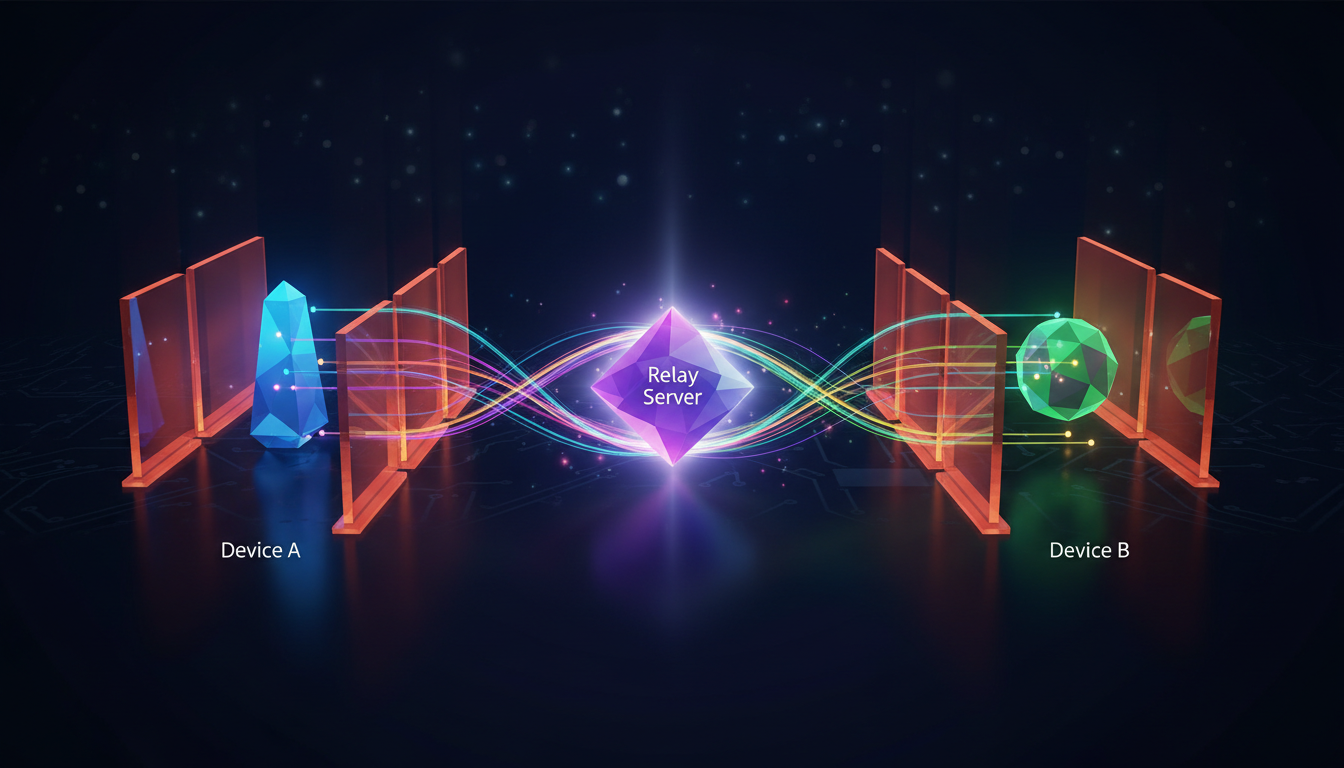
What is WebRTC & Why Should Broadcasters Care?
WebRTC stands for Web Real-Time Communication. It's a free, open-source project that provides web browsers and mobile applications with real-time communication capabilities via simple application programming interfaces (APIs). In plain English, it's a technology that allows you to send live video and audio directly between browsers and devices without needing any special plugins, downloads, or proprietary software like Flash.
For live broadcasters—whether you're a radio DJ, a podcaster running a video show, a church streaming its services, or a school running its own radio station—WebRTC is a revolutionary technology. Its primary advantage is enabling incredibly low-latency streaming. While traditional streaming workflows using RTMP and HLS/DASH can introduce delays of 15-45 seconds, a well-configured WebRTC stream can achieve a **very low latency 3 sec** or even sub-second delay. This makes real-time interaction with your audience not just possible, but seamless.
Imagine your listeners hearing your song request shout-out the moment you say it, or a live event viewer seeing the action as it happens. That's the power of WebRTC. It’s built into modern browsers like Chrome, Firefox, Safari, and Edge, meaning your broadcast can truly **stream from any device to any device**. A guest can join your podcast from their iPhone's web browser with a single click—no app installation required. This accessibility dramatically lowers the barrier to entry for both creating and consuming live content.
Pro Tip: Latency is a Broadcast Killer
High latency kills audience engagement. A 30-second delay makes live chat interactions feel awkward and disconnected. By leveraging WebRTC, Shoutcast Net provides streams with **very low latency 3 sec** glass-to-glass (from your camera to your viewer's screen). This is a massive improvement over legacy Shoutcast hosting and standard HLS delivery, giving your broadcast a professional, interactive edge.
The Connection Problem: Navigating Firewalls & NAT
If WebRTC allows browsers to talk directly to each other, why is it so complicated? The primary hurdle is a technology called NAT (Network Address Translation). Nearly every home and office router in the world uses NAT.
Think of NAT like the receptionist at a large office building. The building has one public street address (your public IP address), but inside, there are hundreds of individual offices, each with its own private extension number (your private IP addresses: 192.168.1.x, 10.0.0.x, etc.). If someone from the outside world wants to talk to "John in Marketing," they can't just call his extension 555. They have to call the main public number and ask the receptionist to connect them.
NAT does the same for your devices. Your computer, phone, and smart TV all have private IP addresses that aren't reachable from the public internet. When your computer wants to visit a website, your router "translates" the request, sending it out from its single public IP address. When the website responds, the router knows which internal device to forward the response to. This is great for security and for conserving the limited number of public IPv4 addresses, but it's a nightmare for peer-to-peer connections like WebRTC, which need a direct path.
  The Internet
      |
[ Your Public IP: 8.8.8.8 ]
      |
  [ Router with NAT ]
      |
      +------------------+------------------+
      |                  |                  |
[ PC: 192.168.1.100 ] [ Phone: 192.168.1.101 ] [ Laptop: 192.168.1.102 ]
How can a viewer's browser, sitting on the public internet, directly connect to your broadcasting software, which is hidden behind your router's NAT? It can't—at least not without help. This is where the trio of ICE, STUN, and TURN come into play. They are the essential tools WebRTC uses to solve this connection puzzle.
Pro Tip: Firewalls Add Another Layer
On top of NAT, corporate and even some home firewalls actively block the UDP ports that WebRTC prefers for its speed. They are designed to prevent unsolicited incoming connections. This makes establishing a direct peer-to-peer link even more challenging and underscores the need for a robust connection strategy.
ICE: The Master Coordinator Finding the Best Path
ICE (Interactive Connectivity Establishment) is not a single protocol, but a framework or a "master coordinator" that finds the best possible path for two devices to communicate. It doesn't establish the connection itself; rather, it uses other tools (STUN and TURN) to discover all potential connection paths and then tests them to find one that works.
The process, known as "candidate gathering," works like this:
- Host Candidates: The device first gathers its own local IP addresses (e.g., 192.168.1.100). This is useful if both devices are on the same local network.
- Server Reflexive Candidates: The device then asks a STUN server for its public IP address. This is the most common path for peers on different networks.
- Relay Candidates: If a direct connection seems unlikely, the device gets a temporary address from a TURN server. This path involves relaying all data through the TURN server.
Once both peers have gathered their list of candidates, they exchange them (using a signaling server, which Shoutcast Net provides). ICE then systematically tests the pairs of candidates, starting with the most efficient (and cheapest) option first:
ICE Connection Strategy:

1. Try Direct Connection (Host Candidates)
   - Are both devices on the same Wi-Fi?
   - If yes, connect. If no, proceed to 2.
     ↓
2. Try NAT Traversal (STUN-discovered Server Reflexive Candidates)
   - Can the router map a public port directly to the device?
   - If yes, connect. If no (due to symmetric NAT/firewall), proceed to 3.
     ↓
3. Use a Relay (TURN Relay Candidates)
   - Forward all traffic through a TURN server as a last resort.
   - This path is almost guaranteed to work but adds latency and cost.
This prioritized approach ensures that you always get the fastest, lowest-latency connection possible for your specific network conditions.
Pro Tip: The Role of Signaling
How do the two browsers exchange their ICE candidates? Through a process called "signaling." This requires a third-party server that both devices can connect to. When you use Shoutcast Net's WebRTC broadcasting, our servers handle this complex signaling process for you, making the connection seamless. This is a critical piece of infrastructure that is often overlooked in DIY setups.
STUN: Your Stream's Public Address Finder
STUN (Session Traversal Utilities for NAT) is a simple and lightweight protocol with one primary job: to help a device discover its public IP address and the type of NAT it's behind.
The analogy is simple: you're inside your house (your private network) and you want to know your public street address. You can't see it from inside, so you call a friend who is standing outside (the STUN server) and ask, "What address are you seeing me call from?" The friend tells you your public address, and now you can give it to someone who wants to visit.
Here’s the technical flow:
- Your browser (the WebRTC client) sends a small "binding request" packet to a STUN server on the public internet.
- The STUN server receives the packet. It inspects the packet's header to see the public IP address and port that your router assigned to the outgoing connection. This is called a "server reflexive" address.
- The STUN server packages this IP:port information into a response and sends it back to your browser.
- Your browser now knows its public-facing address and can share it as an ICE candidate.
// Conceptual STUN Interaction

Your_Browser -> STUN_Server: "Hello from 192.168.1.100:54321, who am I to you?"

STUN_Server -> Your_Browser: "I see you as 8.8.8.8:12345. This is your public address."
STUN is incredibly efficient and works for a high percentage of connections (estimated around 80-90%). However, it fails in certain scenarios, most notably with "Symmetric NATs," which are common in large corporate networks. A Symmetric NAT assigns a different public port for every new destination, making the address discovered by the STUN server useless for connecting to a different peer. When STUN fails, we need a fallback.
Pro Tip: Don't Rely on Public STUN Servers for Production
While free public STUN servers from Google and other providers exist, they come with no service level agreement (SLA) and can be unreliable. For a professional broadcast, you need a dependable service. Shoutcast Net includes high-availability STUN services as part of our platform, ensuring your streams can always discover a connection path, backed by our 99.9% uptime guarantee.
TURN: The Reliable Relay for Tough Connections
TURN (Traversal Using Relays around NAT) is the powerful, guaranteed-to-work fallback for when a direct STUN-negotiated connection is impossible. It is the solution for the toughest 10-20% of cases involving restrictive firewalls or Symmetric NATs.
If STUN is like asking for your public address, TURN is like using a full-service package forwarding company. Instead of sending the stream directly to the other peer, you send it to the TURN server. The TURN server then "relays" or forwards the stream onward to its final destination. Both the broadcaster and the viewer connect to the TURN server, and it acts as a middleman for the entire media flow.
TURN Relay Flow:

[ Your Browser ] ---> [ TURN Server ] ---> [ Viewer's Browser ]
     (Stream)            (Relays)             (Stream)
[ Your Browser ] <--- [ TURN Server ] <--- [ Viewer's Browser ]
     (Feedback)          (Relays)             (Feedback)
The good news is that TURN makes a connection possible in virtually 100% of scenarios. The bad news? It comes with two significant costs:
- Increased Latency: Because the media has to travel an extra hop through the relay server, latency is inherently higher than a direct peer-to-peer connection. However, it's still far lower than traditional RTMP-to-HLS streaming.
- Server Costs: Relaying high-bitrate video and audio for potentially thousands of viewers consumes massive amounts of bandwidth and CPU power. This is the single biggest operational cost of running a WebRTC service at scale.
This cost factor is precisely why providers like Wowza have complex, metered billing. They charge you per GB of data relayed through their TURN servers, which can lead to unpredictable and astronomical bills if your stream goes viral.
Pro Tip: The Hidden Cost of "Free" WebRTC
Running your own TURN server is complex and expensive. You need a powerful server with a high-bandwidth connection, and you must pay for all the data transferred. This is where the flat-rate model of Shoutcast Net shines. We absorb the variable costs of TURN relaying into our simple monthly fee, giving you predictable pricing and peace of mind, even if you have **up to 1,000 listeners**.
How Shoutcast Net Simplifies WebRTC Streaming
Understanding ICE, STUN, and TURN reveals the hidden complexity behind a "simple" browser-based stream. Setting up, managing, and scaling this infrastructure is a full-time job for a network engineer. At Shoutcast Net, we've done all the heavy lifting so you can focus on what you do best: creating great content.
When you use our WebRTC service, you get a fully managed, globally distributed infrastructure that handles everything automatically. You don't need to know what a STUN server is or worry about the cost of TURN relaying. You just broadcast.
The Shoutcast Net Difference vs. Competitors
| Feature | Shoutcast Net | Wowza | Self-Hosted / Legacy Shoutcast |
|---|---|---|---|
| Pricing Model | Simple, flat-rate starting at $16/month. Up to 1,000 listeners, no surprise fees. | Complex per-hour/per-viewer/per-GB metered billing. Very expensive for TURN relaying. | Requires server purchase/rental, plus paying for all bandwidth. Unpredictable costs. |
| WebRTC Support | Native, fully managed STUN/TURN infrastructure. Works out of the box. | Supported, but you pay a premium for their managed TURN infrastructure. | No native support. Requires complex, fragile third-party software to bridge protocols. |
| Protocol Flexibility | Total flexibility. Ingest WebRTC and convert to HLS, or handle any stream protocols to any stream protocols (RTMP, RTSP, WebRTC, SRT, etc). | Good flexibility, but each protocol and feature adds complexity and cost. | Very limited. Typically only supports one protocol (e.g., Shoutcast v1/v2 or Icecast). |
| Extra Features | Includes AutoDJ, Restream to Facebook, Twitch, YouTube, SSL streaming, and more. | Features are often expensive add-ons. | Requires manual installation and configuration of separate software for each feature. |
Our platform is designed to be the ultimate hub for the modern broadcaster. You can start a low-latency stream from your browser using WebRTC, have our **AutoDJ** take over when you're offline, and simultaneously **Restream to Facebook, Twitch, YouTube** to maximize your audience reach. We provide a unified solution that legacy platforms can't match and that enterprise platforms like Wowza charge a fortune for.
Stop worrying about network topology and start broadcasting with the power and simplicity of WebRTC. Get started with our risk-free **7 days trial** and experience the future of live streaming.
Pro Tip: Your All-in-One Streaming Partner
Shoutcast Net isn't just a WebRTC provider. We are your complete streaming partner. From traditional Shoutcast hosting and Icecast hosting to cutting-edge low-latency video, our platform grows with your needs. Start simple and expand your capabilities without ever having to switch providers. It all starts at just $4/month with our unlimited plans.