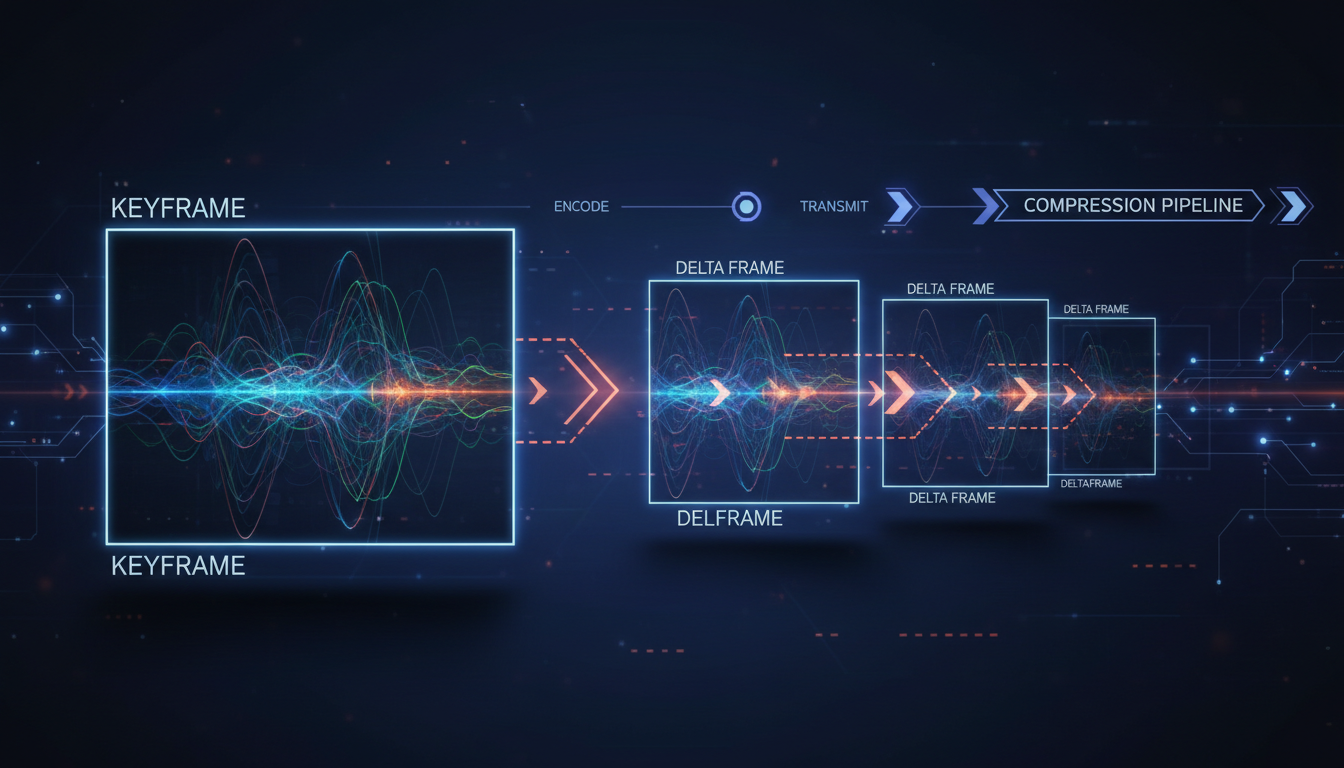
Welcome, Broadcaster! You're passionate about your content—whether it's music, a sermon, a live event, or a school radio show. But in the world of digital streaming, passion needs a technical partner to ensure your message reaches your audience flawlessly. One of the most misunderstood, yet critical, components of a high-quality video stream is the relationship between I-frames, P-frames, and B-frames.
Understanding these "frame types" isn't just for Silicon Valley engineers. It's for you. Mastering them means you can deliver a crystal-clear stream, reduce buffering for your viewers, and even save on bandwidth costs. It's the key to unlocking professional-grade broadcasting, and in this guide, we'll demystify it all. We'll show you how these building blocks work and how to configure them in your encoder (like OBS) to achieve the perfect balance of quality, latency, and stability for your Shoutcast Net stream.
What Are Video Frames? The Building Blocks of Your Stream
At its most basic level, a video is simply a series of still images, called frames, displayed in rapid succession to create the illusion of motion. Think of it like a flipbook. The faster you flip the pages, the smoother the animation appears. In video, this speed is measured in Frames Per Second (FPS). A stream at 30 FPS is showing your audience 30 individual images every single second.
Now, imagine sending 30 high-resolution, uncompressed images across the internet every second. The bandwidth required would be enormous, far too much for the average home internet connection to handle. This is where video compression comes in. It's a set of sophisticated techniques used to shrink the size of your video data without drastically reducing its visual quality.
Video compression works in two primary ways:
- Spatial Compression (Intra-frame): This is compression that happens within a single frame. It looks for redundant information in one image. For example, if a large part of your background is a solid blue wall, the encoder doesn't need to store the color information for every single pixel. It can just say, "this whole area is blue." It's similar to how a JPEG image is compressed.
- Temporal Compression (Inter-frame): This is the real magic for streaming. It's compression that happens between frames over time. The encoder analyzes a sequence of frames and looks for what has changed. If you're a DJ nodding your head to the music but the background remains static, the encoder doesn't need to re-send the entire background for every frame. It only sends the data describing your head's movement.
This is where I-frames, P-frames, and B-frames enter the picture. They are the different types of "pages" in your digital flipbook, each with a specific role in implementing this powerful temporal compression.
Pro Tip: Compression is a Trade-Off
Always remember that compression is a balance. Higher compression means lower bandwidth usage (and lower costs on metered plans), but it can introduce visual artifacts or increase the processing power needed by your encoder. Your goal as a broadcaster is to find the "sweet spot" that gives your audience the best experience without overwhelming your internet connection or your streaming budget.
The Key Player: I-Frames (Intra-coded Frames)
An I-frame, also known as a keyframe, is the foundation of your video stream. Think of it as a complete, self-contained photograph. It holds all the data needed to display one full image without any reference to other frames. It only uses spatial compression (like a JPEG) to reduce its size.
Because they are complete pictures, I-frames serve several critical functions in a stream:
- Stream Entry Point: When a new viewer joins your stream, the first thing their player needs is an I-frame. It's impossible to start watching from a P-frame or B-frame because those frames only contain "change" data. The I-frame provides the initial, complete picture to build upon.
- Seeking and Scrubbing: If a viewer wants to jump to a different part of your VOD or DVR stream, the player will seek to the nearest I-frame. This allows for quick and accurate navigation.
- Error Recovery: The internet is not perfect. Packets get lost. If a viewer's connection drops for a moment and they miss some P-frame data, the stream might look corrupted or frozen. The next I-frame that arrives acts as a "reset" button, providing a fresh, complete image and allowing the video to recover and continue smoothly.
The main trade-off with I-frames is their size. They are by far the largest and most bandwidth-intensive of the three frame types. A stream composed entirely of I-frames (like a Motion JPEG) would be extremely high quality and easy to edit, but would require a massive amount of bandwidth, making it impractical for most internet broadcasting.
Pro Tip: The 2-Second Keyframe Rule
For most live streaming on platforms like Shoutcast Net, a keyframe interval of 2 seconds is the industry standard. This provides a great balance between bandwidth efficiency and quick stream startup/recovery. To set this in OBS, go to `Settings > Output > Advanced`, and under the "Streaming" tab, set "Keyframe Interval" to 2. Don't set it to 0 (auto), as this can cause inconsistent results with different streaming services.
The Efficiency Experts: P-Frames (Predicted Frames)
If I-frames are the nouns of your video sentence, P-frames are the verbs. A P-frame, or "Predicted" frame, is an efficiency workhorse. Instead of storing a full image, it only stores the changes that have occurred since the previous I-frame or P-frame. It essentially says, "Take the last frame, and just apply these modifications."
For example, imagine you are streaming a podcast with a relatively static shot. Your head moves slightly, you blink, and you talk. A P-frame wouldn't re-encode the entire background, your chair, or your microphone. It would only encode the motion vectors and pixel changes related to your face and mouth. This is a form of temporal compression.
The result? P-frames are significantly smaller than I-frames, leading to a massive reduction in the overall bitrate of your stream. A typical stream is composed of many more P-frames than I-frames.
However, they have a dependency. A P-frame is useless on its own. It must have the frame it references (the preceding I or P-frame) to be decoded correctly. This means if a P-frame is lost during transmission, it can affect the display of all subsequent P-frames until the next I-frame arrives to reset the picture.
Pro Tip: P-Frames and Motion
The efficiency of P-frames is directly related to how much motion is in your scene. For a static shot (like a podcast or church service with a fixed camera), P-frames are incredibly effective. For a high-action sports stream, the "changes" between frames are much larger, so the P-frames will be larger too. This is why a high-motion stream requires a higher bitrate than a static one to maintain the same level of quality.
The Advanced Compressors: B-Frames (Bi-directional Frames)
B-frames are the most sophisticated and efficient frame type. Like P-frames, they store only changes. But they have a superpower: they can look both backwards to a previous frame (I or P) and forwards to a future frame (I or P) to find redundant information.
Imagine an object that is temporarily covered and then uncovered. A P-frame would have to encode the object disappearing and then re-encode it appearing later. A B-frame is smarter. It can see the object in both the past and future anchor frames and simply interpolate its position in between, resulting in even greater data savings. This makes B-frames the smallest of all frame types, offering the highest level of compression.
The Latency Trade-Off
This power comes at a cost: latency. To reference a future frame, the encoder must wait for that future frame to arrive before it can encode the current B-frame. It has to hold a small buffer of frames, encode them out of order, and then reorder them before sending them out. This process, while fast, adds a small delay to your stream.
For most one-way broadcasts, this slight increase in latency (we're talking milliseconds) is a perfectly acceptable trade-off for the significant bandwidth savings. However, for applications that require near-instantaneous interaction, like video conferencing or some ultra-low latency streaming scenarios, B-frames are often disabled to minimize every possible source of delay. Shoutcast Net's platform is highly flexible, supporting configurations for both high-efficiency streaming with B-frames and achieving **very low latency 3 sec** streaming when needed.
Pro Tip: When to Use B-Frames
For the vast majority of our broadcasters (DJs, churches, podcasters, live events), using a few B-frames is highly recommended. In OBS, a setting of "B-frames: 2" is a safe and effective default. It provides a good bump in compression efficiency without adding noticeable latency for your viewers. If you're aiming for the absolute lowest latency possible, you can set this to 0, but be prepared to increase your bitrate to compensate for the quality loss.
GOP (Group of Pictures): How Frames Work Together
Now that you know the individual players, let's see how they work as a team. The sequence of frames from one I-frame to the day before the next I-frame is called a Group of Pictures, or GOP. The structure and length of the GOP are fundamental settings in your encoder that have a major impact on your stream.
The GOP structure defines the pattern of I, P, and B frames. A simple GOP might look like this, with an I-frame followed by several P-frames:
I P P P P P P P IA more complex and efficient GOP using B-frames might look something like this (note the display order is different from the decode order, but this illustrates the concept):
I B B P B B P B B IGOP Length (Keyframe Interval)
The GOP length (or GOP size) is the number of frames in the group. This is directly controlled by the "Keyframe Interval" setting in your encoder. If you are streaming at 30 FPS and set your keyframe interval to 2 seconds, your GOP length will be 60 frames (30 * 2). This means you will have one I-frame for every 59 P/B-frames.
- Shorter GOP (e.g., 1-second interval): More frequent I-frames.
- Pros: Faster channel switching and seeking for viewers, quicker recovery from network errors.
- Cons: Higher overall bandwidth usage because I-frames are large.
- Longer GOP (e.g., 5-second interval): Less frequent I-frames.
- Pros: Lower overall bandwidth usage due to more P/B-frames. Ideal for static content.
- Cons: Slower stream start-up for new viewers, slower seeking, and errors can persist for longer.
For live internet streaming, a 2-second keyframe interval is the universally accepted best practice, providing the ideal compromise between efficiency and viewer experience.
Pro Tip: Consistent GOP is Key
It's crucial that you set a fixed keyframe interval (GOP length) in your encoder. Many streaming platforms, including for features like Adaptive Bitrate (ABR) streaming, require a consistent GOP across all quality levels. An inconsistent or "auto" GOP can cause stuttering and other playback issues for your audience. Lock it in at 2 seconds and you'll be set for a stable, professional stream.
Optimizing Your Encoder for Quality and Cost-Savings
Let's put all this theory into practice. When you open your encoding software like OBS Studio, vMix, or Wirecast, you're presented with settings that directly control your GOP structure. Here’s how to set them for a flawless Shoutcast Net stream.
In OBS Studio, navigate to `Settings > Output` and set `Output Mode` to `Advanced`.
// Example OBS Encoder Settings (for Streaming Tab)
Encoder: NVIDIA NVENC H.264 (new) or x264
Rate Control: CBR (Constant Bitrate)
Bitrate: 3500 Kbps (for 1080p30) or 2500 Kbps (for 720p30)
Keyframe Interval: 2 s
Preset: Quality (NVENC) or veryfast (x264)
Profile: high
Look-ahead: Unchecked (for low latency)
Psycho Visual Tuning: Checked
Max B-frames: 2
Here's a breakdown of the key settings and their impact:
| Setting | Recommendation | Impact on Stream |
|---|---|---|
| Keyframe Interval | 2 seconds | Ensures fast stream startup and error recovery. A setting of '0' (auto) is not recommended for live streaming. |
| Rate Control | CBR (Constant Bitrate) | Provides a predictable and stable stream, which is crucial for internet delivery and preventing buffering on the viewer's end. |
| Profile | High | The 'High' profile enables the use of B-frames and other advanced compression features, offering the best quality for a given bitrate. 'Main' or 'Baseline' are older and less efficient. |
| Max B-frames | 2 | Offers a great balance of compression efficiency (bandwidth savings) and low latency. Set to 0 only if you need the absolute minimum delay possible. |
By using these settings, you are telling your encoder to create a modern, efficient video stream. You're using B-frames to save bandwidth, a 'High' profile for advanced features, and a strict 2-second keyframe interval for stability. This is the recipe for a professional broadcast.
Pro Tip: Test Before You Go Live!
Don't wait for your live event to discover a configuration issue. Use a second, unlisted stream key or your 7 days trial account to do a test broadcast. Check your stream on different devices (phone, desktop) to ensure the quality and latency meet your expectations. A 10-minute test can save you a major headache during a live show.
Why Flat-Rate Streaming Beats Per-Viewer Pricing
Now that you're an expert on I-frames, P-frames, and optimizing your stream's bitrate, let's talk about the final piece of the puzzle: your hosting cost. Many streaming providers, especially those based on legacy platforms like Wowza, use a metered billing model. They charge you per hour, per viewer, or per gigabyte of data transferred. On those platforms, every P-frame and B-frame you save translates to real money, but a sudden spike in viewership can lead to a shocking and unpredictable bill.
This is where Shoutcast Net changes the game. We believe your success should be celebrated, not penalized. That's why we offer a simple, flat-rate pricing model starting at an incredible $4/month. With Shoutcast Net, you get:
- Up to 1,000 Listeners & unlimited Bandwidth: Whether you have 10 viewers or 1,000, your price stays the same. Go viral! We want you to.
- Predictable Costs: No more surprise overage charges. You pay one low monthly fee, period.
- Unmatched Flexibility: Our powerful infrastructure is built for modern broadcasting. We can ingest and deliver **any stream protocols to any stream protocols (RTMP, RTSP, WebRTC, SRT, etc)**. This means you can **stream from any device to any device**, a level of compatibility that older platforms like legacy Shoutcast or Icecast can't match.
While you should still optimize your encoder settings for stream quality and stability, you don't have to stress about every kilobit. You can focus on your content, knowing your bill is fixed. Our robust network, with 99.9% uptime and free SSL streaming, ensures your optimized stream reaches your unlimited audience perfectly.
Ready to go 24/7? Our incredible **AutoDJ** system can take over when you're not live, broadcasting from your uploaded media library. Want to expand your reach? Our service allows you to **Restream to Facebook, Twitch, YouTube**, and other platforms simultaneously, all managed from one dashboard.
Stop worrying about the technical limitations and unpredictable costs of other providers. Experience the freedom and power of a true flat-rate streaming partner. Start your 7 days trial with Shoutcast Net today and see the difference for yourself!