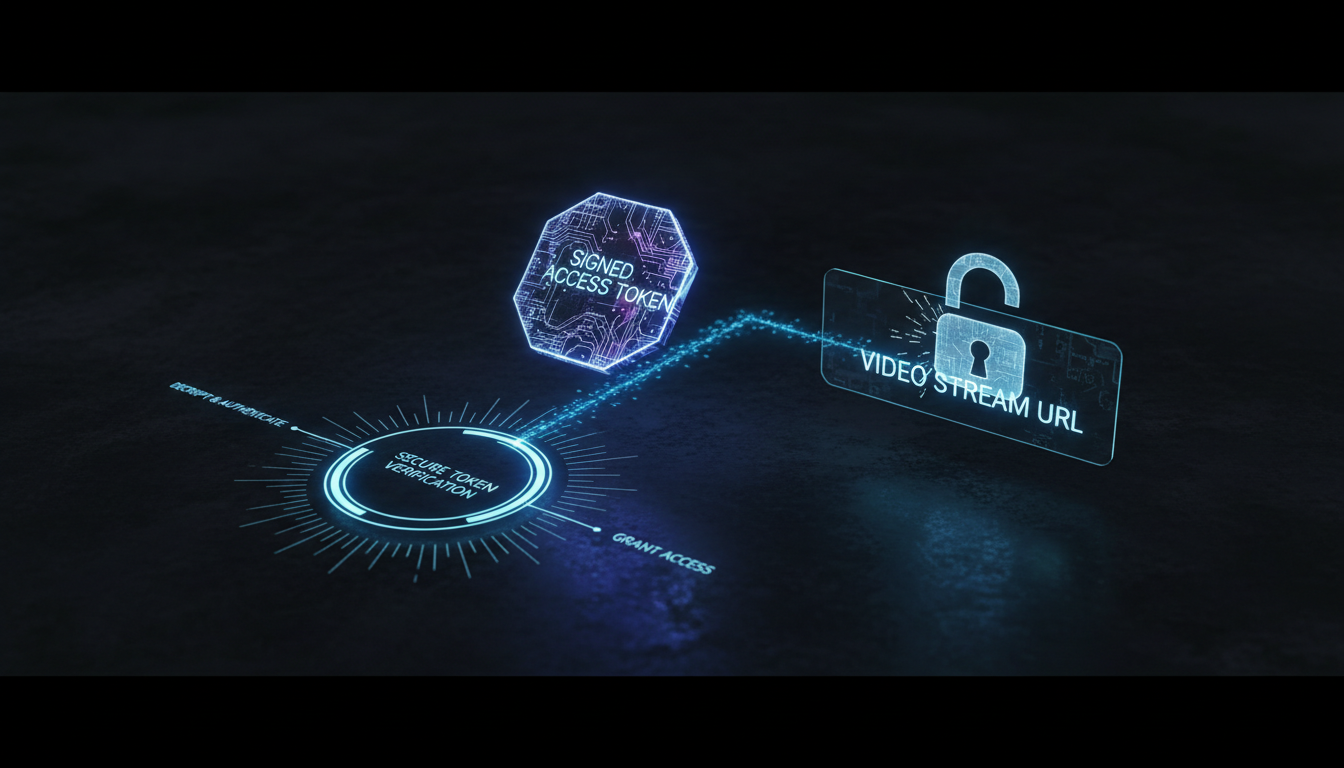
What is Token Authentication Streaming?
Imagine you're hosting an exclusive, pay-per-view live concert or a private corporate broadcast. The last thing you want is for anyone with a link to tune in for free. Token Authentication is your digital bouncer, ensuring only invited guests can access your stream.
In technical terms, token authentication is a security method that protects your streaming content by requiring a unique, time-sensitive "token" to be presented by the viewer's player. Without a valid token, the server rejects the connection. This prevents unauthorized access, sharing, and hotlinking of your stream URLs.
Think of it like a ticket to a movie. The public link to your stream is the address of the movie theater. Anyone can find it. But to actually get inside and watch the movie, you need a valid ticket (the token). This ticket can be designed to be single-use, expire after a certain time, or even be valid only for a specific person (IP address).
The Four Key Players in a Token-Secured Stream
- The Stream Server (Shoutcast Net): Our powerful servers are configured to demand a valid token for every connection. If the token is missing, invalid, or expired, the server denies access.
- The Secret Key: A unique, private password stored securely on your Shoutcast Net account. This key is the secret ingredient used to generate valid tokens. It must never be shared publicly.
- The Token: A long, encrypted string of characters generated using your Secret Key. It contains information like an expiration time and, optionally, the specific IP address of the viewer allowed to connect. This token is appended to your stream URL.
- The Client (Viewer's Player): The web player, mobile app, or desktop software that the listener uses. It connects to the stream URL, presenting the token to the server for validation.
How It Works: A Visual Flow
The process is a seamless, split-second handshake that happens every time a new listener connects:
    [ Your Website ]         [ Shoutcast Net Server ]         [ Listener's Player ]
           |                            |                               |
           | 1. User clicks "Play"      |                               |
           |--------------------------->|                               |
           |                            |                               |
           | 2. Your site requests a    |                               |
           |    secure URL with token   |                               |
           |    from our system.        |                               |
           |<---------------------------|                               |
           | 3. Your site passes the    |                               |
           |    secure URL to player.   |                               |
           |----------------------------------------------------------->|
           |                            |                               |
           |                            | 4. Player connects to server  |
           |                            |    with the token.            |
           |                            |<- - - - - - - - - - - - - - - -|
           |                            |                               |
           |                            | 5. Server validates token     |
           |                            |    (Is it correct? Expired?)  |
           |                            |                               |
           |                            | 6. If valid, server sends     |
           |                            |    the stream.                |
           |                            | - - - - - - - - - - - - - - ->|
           |                            |                               |
           |                            | 7. If invalid, server sends   |
           |                            |    a "403 Forbidden" error.   |
This system is a core part of how Shoutcast Net enables you to stream from any device to any device with robust security, a feature often missing or overly complex on legacy Shoutcast or Icecast setups.
Pro Tip: Security is Not an "Add-On"
Unlike platforms that treat security as a costly extra, every Shoutcast Net plan, starting from just $4/month, includes the ability to enable token authentication. We believe protecting your content is a fundamental right, not a premium feature. Test it out yourself with our 7 days trial.
Why Securing Your Stream is Non-Negotiable
In an open digital world, leaving your stream unprotected is like leaving the front door of your studio wide open. While it might seem easier to just share a public link, the risks can quickly outweigh the convenience. Here’s why securing your stream is critical for professional broadcasters.
- Protect Premium Content: If you're running a subscription service, a pay-per-view event, or an online course, token authentication is the lock on your digital vault. It ensures only paying customers can access the content they purchased.
- Prevent Bandwidth Theft (Hotlinking): Hotlinking is when someone embeds your stream player on their own high-traffic website without permission. They get free content, and you get stuck with the bandwidth bill. Token authentication makes this impossible, as the token is tied to your domain or a specific user.
- Control Geographic Access: Music licensing and distribution rights are often restricted by country. Token authentication can be integrated with geo-IP services to generate tokens only for users in permitted regions, helping you stay compliant.
- Ensure Privacy for Internal Broadcasts: For churches, schools, and corporations, many streams are not meant for public consumption. Secure your private sermons, internal meetings, or school radio broadcasts from unintended listeners.
- Maintain Accurate Listener Statistics: Uncontrolled access can inflate your listener counts with bots and unauthorized embeds, skewing your analytics and potentially affecting royalty reporting. Secured streams provide a true picture of your audience.
Unsecured vs. Token-Secured: A Clear Comparison
The difference in control and security is night and day.
| Feature | Unsecured Stream (Public URL) | Token-Secured Stream (Shoutcast Net) |
|---|---|---|
| Link Sharing | Anyone can copy, paste, and share the link. It works everywhere. | Link only works for a limited time or for a specific user. Sharing it is useless. |
| Bandwidth Control | Zero control. Susceptible to hotlinking and bandwidth theft. | Complete control. Only authorized players consume your bandwidth. |
| Content Exclusivity | Impossible to maintain. Your "exclusive" content is public. | Guaranteed. Only authenticated users can access the stream. |
| Cost Model Concern | On platforms like Wowza, every unauthorized listener costs you money with their per-viewer billing. | With Shoutcast Net's up to 1,000 listeners flat-rate model, you're protected from surprise bills, and security is built-in. |
| Professionalism | Amateurish. Shows a lack of concern for content value. | Professional. Demonstrates you value your content and your audience's privacy. |
Pro Tip: Avoid the Wowza Trap
Legacy streaming servers like Wowza often have complex, expensive security modules and billing that scales with viewers and hours. An unexpected traffic spike from a hotlinked stream could lead to a massive bill. Shoutcast Net's simple, flat-rate pricing (with up to 1,000 listeners) and built-in security gives you peace of mind and predictable costs, every month.
Step 1: Access Your Shoutcast Net Control Panel
Everything starts with your central command hub: the Shoutcast Net Control Panel. This is where you manage every aspect of your stream, from your AutoDJ playlists to advanced security settings.
When you signed up for your Shoutcast hosting plan, you received a welcome email containing your login credentials. If you can't find it, you can use the "Forgot Password" link on our main login page.
- Navigate to the Shoutcast Net website (https://www.shoutcastnet.com).
- Click the "Client Login" button at the top right of the page.
- Enter the username and password provided in your welcome email.
Once logged in, you'll be greeted by your dashboard. From here, select the streaming service you wish to manage. This will take you to the main control panel for that specific stream, which we often refer to as the "Media Control Panel" or "Centova Cast".
# Example of what you're looking for:

CLIENT AREA DASHBOARD
  -> Your Active Products/Services
     -> My Awesome Radio Station (your-server.shoutcastnet.com) -> [Manage Product]

CLICKING [Manage Product] TAKES YOU TO THE STREAMING CONTROL PANEL.
Pro Tip: Bookmark Your Panel
You'll be visiting your control panel often to check stats, update music, and manage your stream. Bookmark the direct URL to your Media Control Panel in your browser for quick, one-click access. This will save you time and streamline your workflow.
Step 2: Enable Token Authentication
Now that you're in the control panel, let's flip the switch. Our platform is designed for ease of use, so enabling this powerful security feature is as simple as clicking a button.
Inside your Media Control Panel, look for a section related to "Security," "Links," or "Widgets." The exact location may vary slightly depending on your specific panel version, but the functionality is universal across our services.
- In the main navigation menu of your control panel, find and click on "Security" or a similarly named option.
- Within the Security page, you will see an option for "Token Authentication" or "HLS Secure Streaming".
- You will find a simple toggle switch or a checkbox to Enable this feature.
Important Warning!
Once you enable token authentication, ALL your existing public stream links will immediately stop working. Your listeners will receive an error until you update your website and players with the new, secure links generated in Step 4. Plan this change during a low-traffic period.
The user interface will look something like this:
HLS Security Settings
Pro Tip: Announce the Change
If you have an established audience, it's good practice to announce a brief maintenance window. Let your listeners know you're performing a security upgrade and that the stream might be temporarily unavailable. This manages expectations and makes you look proactive and professional.
Step 3: Understanding Your Secret Key
After enabling token authentication, the system will generate a Secret Key. This key is the cornerstone of your stream's security. It's a long, unique, and randomly generated string of characters that is known only to you and the Shoutcast Net server.
You must treat this Secret Key like the master password to your entire streaming operation. Never, ever share it publicly, post it on your website's front-end code, or expose it in any way.
In your control panel, the Secret Key will be displayed in the same security section where you enabled the feature. It will look something like this:
Your Secret Key:

a1b2c3d4-e5f6-7890-1234-fedcba987654

[ Regenerate Key ] [ Copy to Clipboard ]
What Does the Secret Key Do?
The Secret Key is not the token itself. Instead, it's used as a digital signature to create and validate tokens. The process, known as HMAC (Hash-based Message Authentication Code), works like this:
- Define the Rules: You decide the rules for a specific listener's access. For example: "This token should expire in 2 hours and is only for IP address 198.51.100.10."
- Create a "Payload": This information (expiration time, IP address) is bundled into a data package called a payload.
- Sign the Payload: The Shoutcast Net server (or our link generator) uses your Secret Key to create a unique cryptographic hash (a signature) of that payload.
- Form the Token: The final token consists of the payload and its signature.
- Validation: When a listener connects with this token, the server uses its copy of your Secret Key to regenerate the signature from the token's payload. If the signatures match, access is granted. If they don't (meaning the payload was tampered with or the wrong key was used), access is denied.
This sophisticated process ensures that no one can forge a valid token without knowing your Secret Key. It's the foundation of our secure, very low latency 3 sec streaming infrastructure.
Pro Tip: Secret Key Hygiene
Store your Secret Key in a secure password manager, not in a plain text file on your desktop. Our control panel allows you to "Regenerate" the key. Use this feature immediately if you ever suspect your key has been compromised. Remember that regenerating the key will invalidate all links generated with the old key.
Step 4: Generate & Use Secure Player Links
With security enabled and your Secret Key in hand, it's time to generate the secure links that your listeners will actually use. You don't need to perform the complex hashing and signing yourself; our control panel includes a user-friendly generator to do it for you.
Navigate back to the "Security" or "Widgets" section of your control panel. You will find a "Secure Link Generator" tool.
Using the Secure Link Generator
The generator will present you with a few simple options to define the rules for the token you want to create:
Secure HLS Link Generator
Once you click "Generate," the tool will output a full stream URL with the `token` parameter appended to it. This is your new, secure stream link.
Example Secure URL
# This is a sample URL. Yours will be different.

https://your-server.shoutcastnet.com/live/stream.m3u8?token=eyJleHAiOjE2NzE4OTI4MDAsImlwIjoiMTkyLjAuMi4xIn0.SGN_abcdef123456
Embedding in Your Website
You can now use this URL in any modern HTML5 player. Simply replace the `src` attribute of your old player with this new, secure URL.
<!-- Example using a standard HTML5 audio tag -->
<audio controls src="https://your-server.shoutcastnet.com/live/stream.m3u8?token=...long_secure_token_string...">
    Your browser does not support the audio element.
</audio>
This powerful feature works across our entire platform, which is built to handle any stream protocols to any stream protocols (RTMP, RTSP, WebRTC, SRT, etc). Whether your source is RTMP from OBS or your listeners are using WebRTC for ultra-low latency, token authentication keeps the connection secure. It's a key part of our promise of 99.9% uptime and robust service.
Pro Tip: Dynamic Token Generation
For advanced users with pay-per-view or membership sites, you can automate token generation. Most web programming languages (PHP, Python, Node.js) have libraries to create HMAC signatures. You can write a script that, upon a successful user login or payment, generates a unique, short-lived token for that user's session. This is the ultimate in content protection and is fully supported by the Shoutcast Net infrastructure.
Step 5: Test Your Secure Stream
You've enabled security and generated a new link. Now for the most important step: testing. Proper testing ensures your legitimate listeners have a smooth experience while confirming that unauthorized access is blocked.
Follow this checklist to validate your new setup.
Test 1: The Old, Unsecured Link
Find your old, public stream URL (the one without a token). Paste it into a media player like VLC or into a browser.
Expected Result: The connection should fail. You should receive a "403 Forbidden" error or the player will simply time out. This confirms the server is now demanding a token.
Test 2: The New, Secure Link
Now, take the full, secure URL you generated in Step 4. Paste it into your player.
Expected Result: The stream should start playing almost immediately. This confirms that a valid token grants access.
Test 3: The Expired Token
Go back to the link generator. Create a new link but set the "Time to Live" to a very short value, like 60 seconds. Copy the link, start a timer, and wait for 90 seconds. Then, try to play the stream using that link.
Expected Result: The connection should fail, just like in Test 1. This proves that the expiration time is being enforced by the server.
Test 4 (Advanced): The IP Lock
If you're on a Wi-Fi network, find your public IP address (by searching "what is my IP" on Google). Generate a new secure link and lock it to that specific IP address. Test it on your computer; it should work. Now, try to open that same link on your smartphone while it's connected to the cellular network (a different IP).
Expected Result: The stream should fail to play on your phone, proving the IP lock is effective.
By successfully completing these tests, you can be confident that your stream is protected. This level of granular control is essential for professional broadcasting, whether you're using our AutoDJ system for 24/7 automation or using our service to Restream to Facebook, Twitch, YouTube.
Pro Tip: Use Our Trial to Master Security
Feeling hesitant to experiment on your live stream? That's what our free trial is for! Sign up for a 7 days trial to get a fully functional server. You can practice enabling token authentication, generating links, and running all these tests without any risk to your main broadcast. It's the perfect sandbox to build your confidence and perfect your setup.