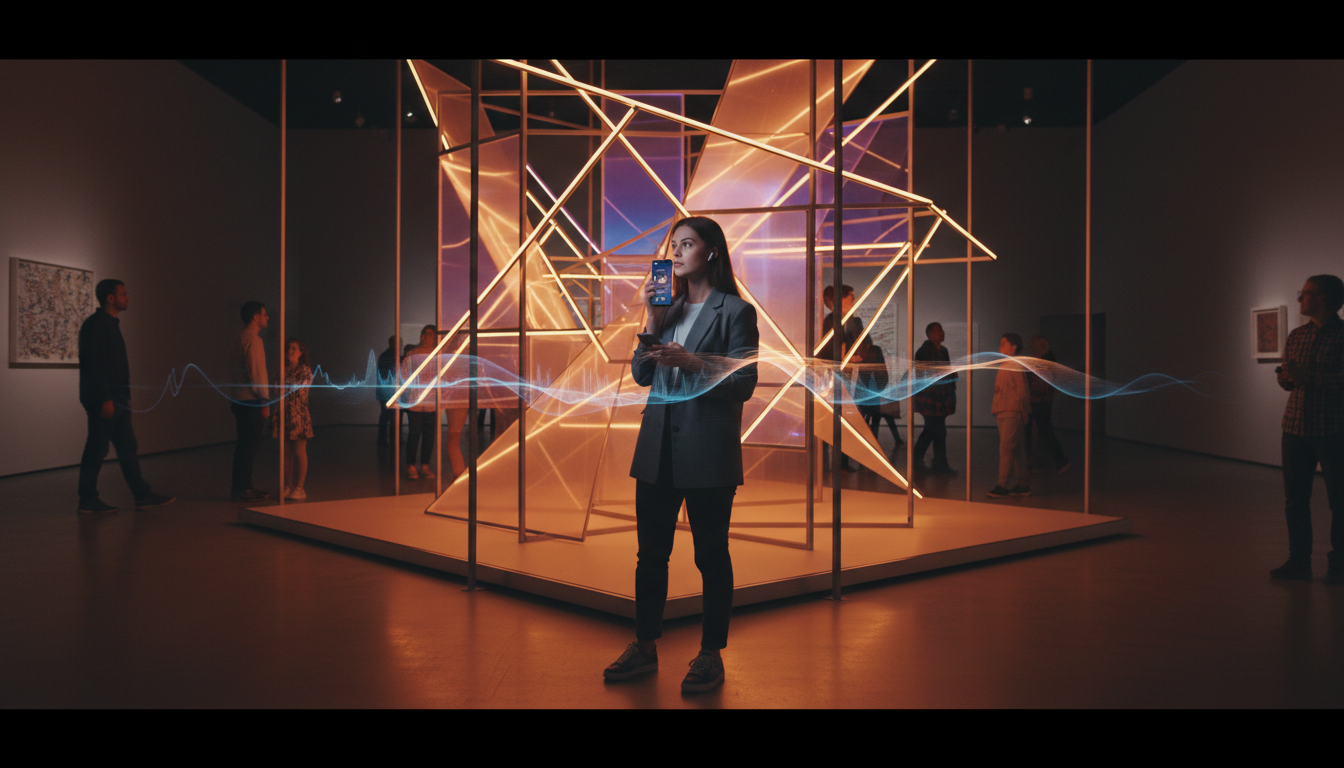
Imagine your museum visitors, fully immersed in the stories behind your exhibits, guided by a crystal-clear narrative delivered directly to their own smartphones. No more clunky, expensive hardware to manage, sanitize, and repair. No more limitations on how many people can take a tour at once. This isn't a futuristic dream; it's the reality of audio tour streaming, and it's more accessible and affordable than you think.
For years, cultural institutions have relied on dedicated audio guide devices. While functional, this hardware-based approach comes with significant overhead: high upfront purchase costs, ongoing maintenance, battery management, and the logistical nightmare of distribution and collection. In today's world, there's a better way.
By leveraging the power of internet radio streaming, museums, galleries, and historical sites can create rich, dynamic audio experiences that visitors access on the one device they never leave home without: their phone. Let's explore why this modern approach is a game-changer.
Why Stream Audio Tours vs. Traditional Hardware?
Drastic Cost Reduction
The most immediate benefit is financial. A fleet of 100 dedicated audio guides can cost tens of thousands of dollars upfront. Add to that the cost of repairs, replacement for lost or damaged units, and staff time for management. With a streaming solution from Shoutcast Net, your primary cost is a low, predictable monthly fee, with plans starting at just $4/month. There is zero hardware investment, allowing you to allocate your budget to what truly matters: creating compelling content for your visitors.
Enhanced Hygiene and Safety
In a post-pandemic world, public health is a top priority. Shared devices that are passed from person to person, even when sanitized, can be a point of concern for visitors. The "Bring Your Own Device" (BYOD) model of streaming eliminates this entirely. Visitors use their own phones and their own headphones, ensuring a completely touch-free and hygienic tour experience they can feel confident about.
Unmatched Scalability
What happens when a new blockbuster exhibit brings in record crowds? With a limited number of hardware guides, you're forced to turn people away or make them wait. A streaming solution is infinitely scalable. Whether you have 10 visitors or 10,000, our servers can handle it. All Shoutcast Net plans come with up to 1,000 listeners, so you'll never hit a cap or pay extra for a successful day. Your tour is available to every single visitor, every single time.
Incredible Flexibility and Control
Need to update a detail in your tour, correct a mistake, or add a seasonal segment? With hardware, this often means a time-consuming process of recalling every device and reprogramming it. With streaming, you can update your audio content in minutes through our web-based control panel. Add new tours, create temporary exhibit guides, or even run multiple different tours simultaneously. The power is in your hands.
Pro Tip: Embrace the BYOD Model
Frame the "Bring Your Own Device" approach as a modern, convenient feature for your visitors. On your signage, use language like: "Enjoy our new, immersive audio tour right on your own smartphone!" This positions the experience as an upgrade, not a cost-cutting measure, and highlights the convenience and hygiene benefits for your guests.
Shoutcast Net vs. Competitors: The Flat-Rate Advantage
When you start exploring streaming solutions, you'll encounter various providers, but their billing models can be a trap for organizations like museums. Many enterprise-level streaming services, such as Wowza, operate on a usage-based pricing model. This means you pay per gigabyte of data transferred, per viewer, or per hour of listening. For a museum with unpredictable daily attendance, this creates a massive budgeting problem.
Imagine a quiet Tuesday where your costs are low, followed by a packed Saturday where a school group causes your streaming bill to skyrocket unexpectedly. This volatility makes financial planning impossible. Legacy Shoutcast servers can also be limiting, often lacking modern features, SSL security, and the robust automation needed for a professional setup.
This is where Shoutcast Net provides a clear, powerful alternative. We believe in simple, predictable, and affordable pricing. All our plans are a flat monthly rate with up to 1,000 listeners and unmetered bandwidth. You pay one price, and that's it. Your bill is the same whether you have one listener or one hundred thousand. This budget certainty is essential for non-profits, educational institutions, and any organization that needs to make every dollar count.
Cost & Feature Comparison
| Feature | Shoutcast Net | Wowza / Enterprise | Traditional Hardware |
|---|---|---|---|
| Billing Model | Flat Monthly Rate | Per-Viewer / Per-GB | High Upfront Cost |
| Listener Capacity | Unlimited | Pay-as-you-go | Limited by # of Devices |
| Budget Predictability | 100% Predictable | Volatile & Unpredictable | Predictable (after huge initial cost) |
| Content Updates | Instant (via AutoDJ) | Instant | Slow & Manual |
| Latency | Very low latency 3 sec | Variable | Instant (on device) |
| Platform Flexibility | Supports any stream protocols to any stream protocols (RTMP, RTSP, WebRTC, SRT, etc) | Protocol-specific | N/A (Closed System) |
Pro Tip: Test Drive Before You Commit
Don't just take our word for it. The best way to understand the power and simplicity of our platform is to try it yourself. We offer a completely free 7 days trial with no credit card required. You can set up a test stream, upload some sample audio, and see just how easy it is to create a professional audio tour before spending a dime.
How to Set Up Your Museum Audio Stream in 5 Steps
You don't need to be a broadcast engineer to get your audio tour online. Our platform is designed for ease of use. Here’s a straightforward, step-by-step guide to get you from concept to live stream.
First, head over to our Shoutcast hosting page. For a simple audio tour, our entry-level plans are more than sufficient, starting at just $4/month. All plans include 99.9% uptime, SSL streaming for security, and the powerful AutoDJ feature. Remember, you can start with a 7 days trial to get everything configured perfectly.
Immediately after signing up, you'll receive a "New Streaming Server Details" email. This email contains everything you need to connect: your server IP address, port number, and admin password. You'll use these details to log into your Centova Cast control panel, which is the command center for your stream.
This is the creative part! Write scripts for each exhibit or point of interest. Record the audio using a quality USB microphone in a quiet room for the best results. A pro tip is to record each exhibit as a separate MP3 file (e.g., `01-entrance.mp3`, `02-dino-exhibit.mp3`, etc.). This makes managing your tour much easier later on.
Log in to your Centova Cast control panel. On the left-hand menu under "AutoDJ", click on "Files". Here, you can easily upload all the MP3 files you just recorded. Once uploaded, you'll use the "Media" section to arrange these files into a playlist in the correct order for your tour. We'll cover this more in the next section.
Back on the main "Quick Links" page of your control panel, you'll find your public streaming URL. It will look something like this: https://your-server.shoutcastnet.com/proxy/username. This is the magic link! Anyone who opens this link in a web browser or music player on their phone will instantly start hearing your audio tour. This is the link you'll use for QR codes and promotional materials.
Pro Tip: Create a Custom Short URL
The default streaming link can be long and unwieldy. Use a free service like Bitly or TinyURL to create a short, memorable, and branded link (e.g., `bit.ly/YourMuseumTour`). This looks more professional on printed signs and is easier for visitors to type if they can't use a QR code.
Creating & Managing Your Tour Content with AutoDJ
The heart of your automated museum tour is our powerful AutoDJ system. Think of it as your personal, 24/7 radio broadcaster in the cloud. You upload your audio files, create a playlist, and the AutoDJ plays it on a continuous loop for your visitors, even when your computer is off. This "set it and forget it" functionality is what makes streaming a viable, low-maintenance solution for museums.
Building Your Tour Playlist
Once you've uploaded your individual MP3 files for each exhibit, navigate to the "Media" section in your Centova Cast panel. Here you'll see all your uploaded tracks. You can drag and drop them into a playlist in the exact order you want visitors to hear them. This visual editor makes it incredibly intuitive to structure your tour.
- Drag `01-entrance.mp3` to the top.
- Follow with `02-renaissance-hall.mp3`.
- And so on, until your entire tour is sequenced.
Once you save the playlist and start the AutoDJ, it will begin broadcasting track #1, and continue sequentially through your entire tour before looping back to the beginning. A new visitor arriving at any time will simply start listening from wherever the tour is currently playing, just like tuning into a radio station.
Updating and Modifying Tours On-the-Fly
This is where the flexibility of the AutoDJ truly shines. Is an exhibit being renovated? Simply drag that track out of the playlist. Adding a new acquisition? Record a new segment, upload it, and drag it into the correct position in the playlist. The changes are live almost instantly. This level of dynamic control is impossible with pre-programmed hardware guides.
You can even create multiple playlists. For example, you could have a standard "General Tour" playlist that runs most of the time, and a special "Holiday Tour" playlist that you can activate with a single click during December.
Pro Tip: Use Music and Bumpers
Don't just have silent gaps between your spoken-word segments. Upload short, royalty-free musical interludes or branded "bumpers" (e.g., "You're listening to the City Art Museum audio tour"). Place these between your main tour tracks in the AutoDJ playlist. This creates a more professional, polished, and continuous listening experience for your visitors, much like a real radio broadcast.
Promoting Your Audio Tour to Visitors (QR Codes & Wi-Fi)
A brilliant audio tour is useless if your visitors don't know it exists or can't easily access it. Promotion and accessibility are just as important as the content itself. The goal is to make the process of starting the tour completely seamless.
The Power of the QR Code
The single most effective tool in your promotional arsenal is the QR code. Most modern smartphone cameras can scan them natively, without a special app. Generate a QR code that links directly to your stream's public URL (or your custom short URL).
Place this QR code everywhere:
- At the entrance/ticketing desk: This is your primary opportunity. Have large, clear signs that say "Free Audio Tour! Scan Here."
- On your museum map/brochure: Integrate it directly into your printed materials.
- At the start of major exhibits: Remind visitors who may have missed the entrance sign.
- On tabletop signs in your café or lobby.
Your signage should include a simple icon for headphones to remind visitors to use their own.
Leverage Your Guest Wi-Fi
Many visitors may be hesitant to use their cellular data for streaming. Offering free guest Wi-Fi is a huge value-add that removes this barrier. You can take this a step further by configuring your Wi-Fi's captive portal (the landing page that appears when users first connect) to heavily promote the audio tour. Make a large "Listen to the Audio Tour" button the most prominent feature on that page.
Digital Promotion
Don't wait for visitors to arrive. Promote the audio tour on your museum's website, in confirmation emails for ticket purchases, and on your social media channels. Let people know about this great feature in advance so they can come prepared with their headphones.
Pro Tip: Create a Simple Web Player Page
Instead of linking the QR code directly to the raw stream file (which might prompt a download or open a generic media player), create a simple, mobile-friendly page on your website. Embed our free HTML5 player on this page, add your museum's logo, and maybe include a text transcript of the tour for accessibility. This provides a much more branded and user-friendly experience when someone scans the code.
Advanced Features: Multilingual Tours & Live Q&A Sessions
Once you've mastered the basics, our platform's flexibility opens the door to more advanced and engaging experiences. Because our services are so affordable, you can easily expand your offerings without breaking the bank.
Multilingual Tours Made Easy
Offering tours in multiple languages with traditional hardware is prohibitively expensive, often requiring separate devices or complex programming. With Shoutcast Net, it's astonishingly simple and cost-effective. Simply purchase one of our low-cost shoutcast hosting plans for each language you want to offer. For less than $20 a month, you could offer your tour in English, Spanish, French, and Mandarin.
Each language will have its own separate stream and control panel. You can then create distinct QR codes for each language. At your museum entrance, you could have a sign that says:
Audio Tour
------------------
English: [QR Code 1]
Español: [QR Code 2]
Français: [QR Code 3]
This is a powerful way to enhance accessibility and cater to international tourists for a fraction of the traditional cost.
Host Live, Interactive Sessions
Bridge the gap between pre-recorded content and live events. Our platform allows you to "go live" at any time, overriding the AutoDJ with a live audio feed. A curator could host a scheduled "Director's Tour" or a live Q&A session about a specific exhibit. Visitors in the museum can tune in through the same streaming link to hear the live commentary.
This is possible because we enable you to stream from any device to any device. The curator can use free broadcasting software on a laptop in their office, or even a mobile broadcasting app on their phone while walking through the gallery. The stream is delivered to your visitors' phones with very low latency 3 sec, making the experience feel immediate and interactive.
Want to broaden your reach? Take that live Q&A session global. Our platform includes the ability to Restream to Facebook, Twitch, YouTube, and other social platforms simultaneously. People from around the world can listen in, expanding your museum's community far beyond its physical walls. Our system is built for this kind of flexibility, supporting any stream protocols to any stream protocols (RTMP, RTSP, WebRTC, SRT, etc) to ensure compatibility with virtually any broadcasting setup.
Pro Tip: Schedule Your Live Events
Use the AutoDJ's scheduling feature to promote your live events. You can create a short audio ad: "Join our head curator live this Friday at 2 PM for a special tour of the new exhibit!" and schedule it to play periodically between your regular tour segments in the days leading up to the event. This builds anticipation and maximizes your live audience.
Ready to Create Your Own Immersive Audio Tour?
Stop spending thousands on outdated hardware. Embrace a modern, affordable, and flexible solution that your visitors will love. With plans starting at $4/month and a risk-free trial, there's never been a better time to upgrade your museum's visitor experience.
Start Your Free 7 Days Trial Today