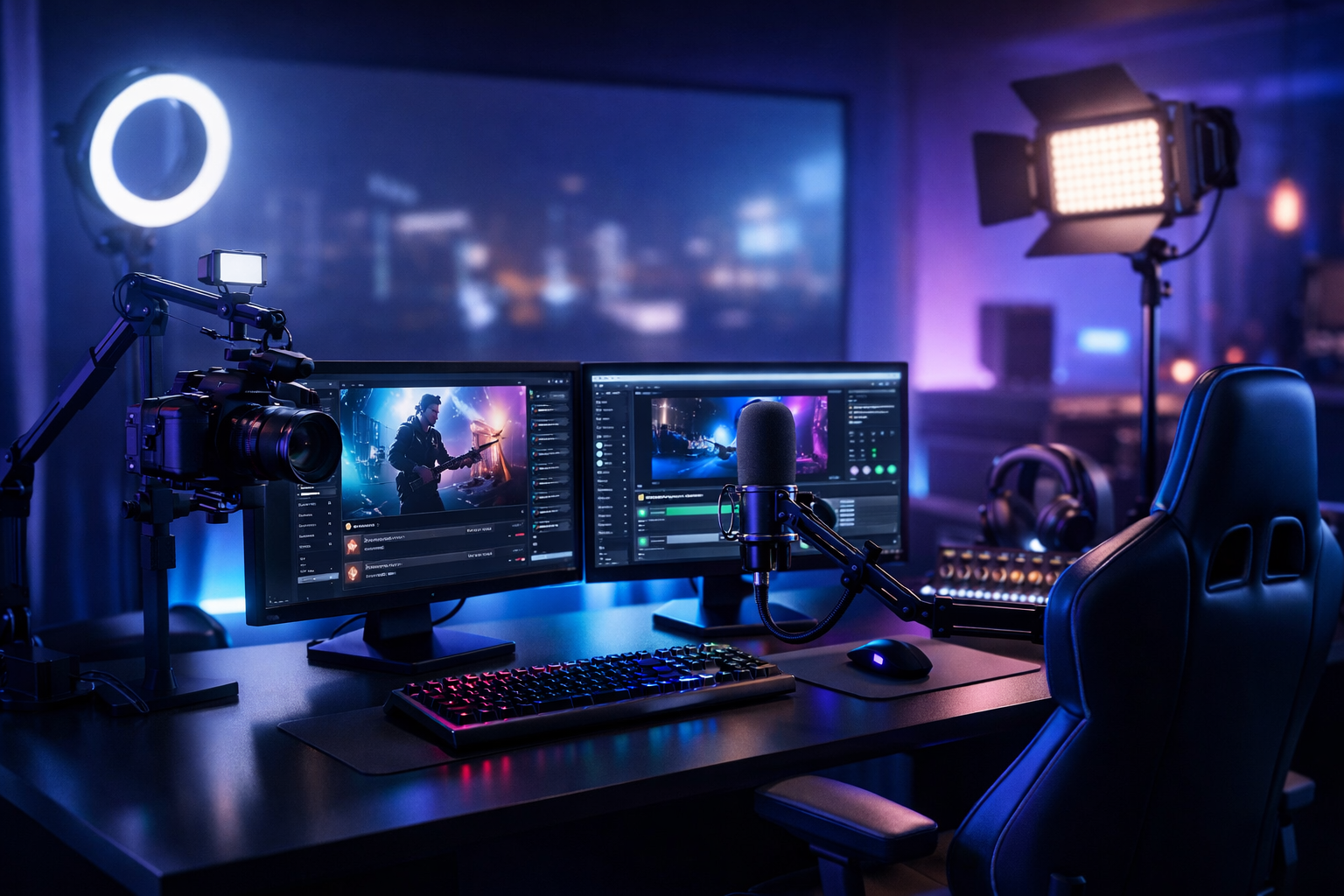
How to Start a Profitable Live Streaming Business in 2026 (Radio, Podcast & Church Streams)
Live streaming isn’t “just going live” anymore—it’s a real business model for DJs, radio stations, podcasters, churches, schools, and event producers. In 2026, the winners are the creators and broadcasters who treat streaming like a service: a reliable schedule, clean audio, predictable uptime, clear monetization, and a stack that can stream from any device to any device.
This guide walks you through choosing your offer, handling licensing, building a stable workflow, selecting a modern streaming stack (Shoutcast/Icecast, AutoDJ, video/IPTV, and restreaming), pricing your packages, launching, and scaling without your costs exploding.
What you’ll build
- A repeatable live workflow (encoder → server → players/apps)
- A monetization plan (ads, sponsors, subscriptions, donations)
- A scalable hosting stack with flat-rate pricing (no surprises)
- A growth engine (directories, SEO, social, analytics)
Table of Contents
- 1) Choose Your Niche + Offer (DJ, podcast, church, radio)
- 2) Business Setup, Music Licensing & Permissions
- 3) Gear, Software & Your Live Workflow (Encoder, Mic, Mixer)
- 4) Pick Your Streaming Stack: Shoutcast/Icecast, AutoDJ, Video/IPTV, Restreaming
- 5) Monetization: Ads, Sponsorships, Subscriptions, Donations & Client Packages
- 6) Launch, Marketing & Growth (Directories, SEO, social, analytics)
- 7) Scale Reliably: Uptime, Backups, Redundancy & Keeping Costs Flat
Choose Your Niche + Offer (DJ, podcast, church, radio)
The fastest way to build a profitable live streaming business is to stop thinking “I want to stream” and start thinking “I solve this specific problem for this specific audience.” Your niche determines your tech needs, your licensing requirements, your pricing, and even your best distribution channels.
Pick a niche that can pay (and stay)
In 2026, attention is fragmented—so retention matters more than virality. Choose a niche where people come back on a schedule or where organizations need reliable broadcasting.
- DJ radio / music stream: scheduled shows, live sets, request hours, genre stations.
- Podcast live sessions: live interviews, listener call-ins, paid AMA streams, simulcast to audio + video.
- Church streams: weekly services, midweek prayer streams, conferences, multilingual feeds.
- School / campus radio: clubs, sports commentary, student shows, announcements.
- Live events: conferences, weddings, sports, town halls, backstage feeds.
Define your offer: content business or streaming service business?
There are two profitable paths—and you can combine them:
- Creator model: you build an audience and monetize via ads, sponsors, subs, merch, donations.
- Service model: you run streaming for clients (churches, schools, venues, brands) and charge setup + monthly.
The service model usually reaches profitability faster because it’s based on contracts and reliability, not algorithm luck.
Write a one-sentence value proposition
Use this template: “I help [audience] achieve [result] by streaming [format] with [promise].”
- “I help local churches reach remote members by broadcasting weekly services with 99.9% uptime and easy playback on any device.”
- “I help DJs run 24/7 stations with AutoDJ between live sets and up to 1,000 listeners on a flat rate.”
- “I help podcasters host live interviews with clean audio, multi-platform distribution, and post-stream repurposing.”
Pro Tip
Productize your offer early. Instead of “custom streaming,” sell packages like Starter (1 stream), Growth (2–3 streams + AutoDJ), and Event (weekend burst). Clear packages reduce sales friction and make scaling easier.
Business Setup, Music Licensing & Permissions
A profitable streaming business needs two foundations: legal clarity and operational simplicity. Don’t wait until you grow to “get legit”—platforms, payment processors, and sponsors increasingly require it upfront.
Basic business setup (keep it simple)
For most creators and small teams, start lean:
- Business structure: sole proprietor or LLC depending on your country and liability needs.
- Banking + bookkeeping: separate account; track hosting, gear, music/library, and marketing expenses.
- Client contracts (service model): scope (what you deliver), uptime goals, support windows, content responsibility.
- Policies: refund policy, cancellation terms, on-call rates for events.
Music licensing: know what you’re streaming
If you stream copyrighted music (DJ sets, radio formats, background music), you may need performance and/or mechanical licenses depending on your location and distribution. Requirements vary widely—especially if you’re streaming globally.
Key rule: hosting providers supply the infrastructure; you are typically responsible for rights and permissions for the content you stream.
Churches, schools, and events: permissions matter
Non-music streams also require permission planning:
- Speakers/performers: get written consent to broadcast and archive recordings.
- Minors: schools should use media release forms for students on mic/camera.
- Venue policies: confirm your right to stream from the location (Wi‑Fi access, cable runs, camera placement).
- Song clips: podcasts that play commercial songs may trigger takedowns on social platforms.
Avoid “surprise costs” from the wrong platform model
A common business killer is variable billing: a big event goes well… and the platform invoice explodes. Some platforms (notably Wowza) can be expensive per-hour/per-viewer billing, which makes it hard to price confidently.
Shoutcast Net is built for broadcasters who want predictable margins: flat-rate unlimited model, starting around $4/month, plus 100–1,000 listeners (by plan), SSL streaming, and a 7-day free trial (7 days trial available) so you can validate your setup before committing.
Pro Tip
If you sell streaming as a service, include a contract clause that the client is responsible for content rights. You provide the streaming infrastructure and support; they warrant they have permissions for music, speeches, and any recorded media.
Gear, Software & Your Live Workflow (Encoder, Mic, Mixer)
Your “live workflow” is the repeatable chain that turns a voice, DJ set, or service into a stable stream. Get this right and you reduce dropouts, clipping, and panic during live shows.
The modern audio streaming chain
At minimum, you need:
- Audio source: mic(s), mixer, DJ controller, or DAW.
- Encoder: software that converts audio to a stream (MP3/AAC) and sends it to your server.
- Streaming server: Shoutcast or Icecast hosting that distributes to listeners.
- Player endpoints: website player, mobile apps, directories, smart speakers.
Recommended baseline gear (by use case)
| Use case | Minimum | Better (business-ready) |
|---|---|---|
| Podcast live | USB mic + headphones | 2 XLR mics + audio interface, noise reduction, limiter |
| DJ / music stream | Controller + laptop | Mixer/controller, balanced outputs, hardware limiter, backup playback |
| Church | Feed from FOH mixer | Dedicated broadcast mix, compressor/limiter, backup internet |
| School radio | 1 mic + basic mixer | Multi-mic studio, talkback, automation (AutoDJ), schedule blocks |
Encoder settings that sound good everywhere
Choose settings based on your audience’s bandwidth and your content type. Spoken word can be lower bitrate; music usually benefits from more.
- Spoken word: AAC 64–96 kbps, 44.1 kHz, stereo (or mono for tight bandwidth).
- Music: AAC 128 kbps (or higher), 44.1 kHz, stereo.
- Always: enable a limiter to avoid clipping and keep levels consistent.
Sample encoder config (simple + stable)
Below is an example of what you’ll typically enter in an encoder like BUTT / Mixxx / AltaCast (fields vary by app). Use your host-provided details.
Server Type: SHOUTcast v2 (or Icecast)
Host: yourstation.shoutcastnet.com
Port: 8000
Mount/Stream ID: 1
Password: ********
Codec: AAC
Bitrate: 128 kbps
Sample Rate: 44100 Hz
Channels: Stereo
Reconnect: Enabled (5s)
Metadata (ICY): Enabled
Design for failure (because live happens)
Professional streams don’t “never fail”—they recover fast. Build a workflow with graceful fallbacks:
- Backup audio: a music bed or playlist that can run if the host loses mic signal.
- Backup internet: phone hotspot, secondary ISP, or bonded connection for events.
- Auto-reconnect: encoder auto reconnect + server resilience.
- Offsite monitoring: listen from a phone on cellular to verify real-world delivery.
Pro Tip
Build your workflow to stream from any device to any device: encode from a laptop, desktop, or mobile; distribute to web, apps, smart speakers, and car systems. That flexibility lets you take paid gigs in studios, venues, and remote locations without redesigning your setup.
Pick Your Streaming Stack: Shoutcast/Icecast, AutoDJ, Video/IPTV, Restreaming
Your “stack” is how your content gets encoded, hosted, distributed, and scaled. In 2026, the best streaming businesses use a hybrid approach: audio-first reliability (Shoutcast/Icecast) plus video distribution when it helps discovery and revenue.
Shoutcast vs Icecast: what to choose?
Both are proven for internet radio and live audio. The right choice depends on your workflow, compatibility needs, and how you want to manage mounts/streams.
| Feature | Shoutcast | Icecast |
|---|---|---|
| Best for | Internet radio simplicity + broad player support | Flexible mounts, custom setups, multi-stream structures |
| Metadata | Strong ICY metadata ecosystem | Flexible metadata + mount handling |
| Setup complexity | Often faster to launch for stations | Great for technical teams and multi-mount needs |
| Hosting at Shoutcast Net | Shoutcast hosting with flat-rate growth | Icecast hosting with broadcast-grade reliability |
Also note the difference between legacy limitations and modern hosting implementations. Some older Shoutcast setups were known for constraints around scalability and flexibility; Shoutcast Net is built to avoid those legacy Shoutcast limitations with modern infrastructure, SSL streaming, and a focus on predictable performance.
Why AutoDJ is a profit multiplier
AutoDJ is the bridge between “I only stream when I’m live” and “I run a real station.” It keeps your channel active 24/7 with scheduled playlists, rotations, and fallback content when you’re offline.
- Always-on presence: listeners don’t hit dead air.
- Sell sponsorship confidently: your station runs even if you miss a show.
- Program blocks: set DJ shows, sermons, announcements, or replay windows.
If you want a station-style business, start with hosting that includes AutoDJ and build your schedule around it.
Video/IPTV and ultra-low latency in 2026
Audio drives retention; video drives discovery. If you add video, prioritize very low latency 3 sec when interaction matters (live chat, Q&A, worship participation, auctions, sports commentary).
Modern delivery also means protocol flexibility. The best workflows can ingest and output any stream protocols to any stream protocols (RTMP, RTSP, WebRTC, SRT, etc), letting you take feeds from cameras, switchers, mobile apps, or remote contributors without rebuilding your entire pipeline.
Restreaming: distribution without extra production
A smart growth play is to produce once and distribute everywhere. For many brands and churches, you can Restream to Facebook, Twitch, YouTube while keeping an owned audio stream on your website/apps for consistent access.
- Social platforms: discovery + shares.
- Your stream: stable playback, better retention, fewer algorithm surprises.
- Repurposing: cut clips for reels/shorts after the show.
Why flat-rate hosting matters (and where Wowza gets pricey)
When you’re charging clients or selling sponsorships, you need predictable COGS (cost of goods sold). Platforms with expensive per-hour/per-viewer billing (like Wowza) can turn your biggest win into your biggest bill—especially during peak events.
Shoutcast Net is designed for streamers who want to scale without fear: $4/month starting price, 100–1,000 listeners (by plan), SSL streaming, 99.9% uptime, and a 7 days trial so you can test your stack end-to-end. When you’re ready to launch, visit the shop for plan options.
Pro Tip
Build an “owned + rented” distribution plan: use your owned Shoutcast/Icecast stream as the reliable home base, then syndicate to social platforms for reach. This protects you from algorithm changes and takedowns while still capturing growth.
Monetization: Ads, Sponsorships, Subscriptions, Donations & Client Packages
Profit comes from matching monetization to your audience size and trust level. In early stages, services and sponsorships often beat ad networks. As you grow, add recurring revenue with memberships and subscriptions.
Monetization options (what works best in 2026)
- Ads: pre-roll/mid-roll spots, host-read ads, dynamic insertion for podcasts.
- Sponsorships: branded segments (“Traffic update sponsored by…”), event sponsors, season sponsors.
- Subscriptions/memberships: ad-free stream, early access, exclusive shows, private chat.
- Donations: especially effective for churches and community stations.
- Client packages: streaming setup + monthly management for churches/schools/venues.
- Production add-ons: editing, thumbnails, clip packages, transcription, highlight reels.
Simple pricing models you can sell
Use pricing that’s easy to understand and protects your time.
| Model | Best for | How to price |
|---|---|---|
| Monthly retainer | Churches, schools, brands | Setup fee + monthly support/management |
| Per-event | Conferences, sports, weddings | Day rate + add-ons (extra camera, clips, travel) |
| Membership | Creator stations and podcasts | Tiered perks (ad-free, exclusives, shoutouts) |
| Sponsorship packages | Radio/DJ stations | Bundle impressions: mentions + banners + social |
Build client packages (streaming-as-a-service)
If you want predictable revenue, create 3 tiers. Example structure:
- Starter: 1 live stream, basic player embed, monthly health check.
- Growth: 1–2 streams, scheduled programming via AutoDJ, analytics reporting, priority support.
- Pro: redundancy planning, multi-platform distribution, event support, content repurposing.
Your hosting costs stay predictable when you choose a flat-rate platform. That’s where Shoutcast Net’s model is a business advantage: rather than Wowza-style variable usage bills, you can price with confidence and keep margins stable.
What to track so you can raise prices
Sponsors and clients pay for proof. Track:
- Average concurrent listeners and total sessions
- Listener hours (great for sponsor value)
- Geo distribution (helps local sponsors and churches)
- Retention by show segment
- Uptime and incident history (build trust)
Pro Tip
Don’t start with ad networks. Start with direct sponsorship bundles: “4 host reads + website banner + pinned post.” It’s easier to sell, pays more per listener, and builds relationships that renew.
Launch, Marketing & Growth (Directories, SEO, social, analytics)
Growth is a system: distribution, consistency, and measurement. Your goal is to be easy to find, easy to play, and hard to forget.
Launch checklist (do this before you announce)
- Brand basics: station/podcast name, logo, colors, short tagline.
- Playback everywhere: web player, mobile-friendly page, backup stream link.
- Metadata: show title, track/episode info, artwork where supported.
- Schedule: consistent time slots; set expectations.
- Monitoring: test from cellular, different browsers, different regions if possible.
Directories + discovery for audio streams
Radio directories and aggregators still matter because they capture “ready-to-listen” users. Your station also becomes more credible to sponsors when you’re listed in multiple places.
- Internet radio directories: submit your stream URL, station genre, description, and artwork.
- Podcast directories: if you’re also publishing episodes, maintain clean RSS and consistent metadata.
- Smart speaker readiness: clear station naming and consistent branding improves voice search results.
SEO that actually works for streaming
Most streaming sites fail at SEO because they’re only a “player page.” Add content that matches search intent:
- Show pages: one page per show with schedule, host bio, archive links, and sponsor slots.
- Event pages: “Live stream: [Event Name] [City] [Date]” (high-intent traffic).
- Genre pages: “24/7 deep house radio,” “local gospel radio stream,” etc.
- Transcripts for podcasts/sermons: searchable and great for long-tail queries.
Social distribution (and why you should still own your stream)
Social platforms can boost reach, but they’re not a reliable home base. Use them to funnel listeners back to your website and dedicated stream.
If you’re doing video, structure your workflow so you can Restream to Facebook, Twitch, YouTube while keeping your audio stream stable for loyal listeners. This also helps if a platform flags content or throttles reach—you still have your main channel.
Analytics: what to look at weekly
- Top shows/time blocks: double down on what retains listeners.
- Drop-off points: fix levels, pacing, or transitions.
- Traffic sources: directories vs search vs social.
- Conversion: how many visitors hit “play” or join email/SMS list.
Pro Tip
Create a “30-day launch sprint”: one flagship live show per week, 2 short clips per show, and one SEO page per week. Consistency beats intensity—and a predictable schedule makes sponsors far more willing to commit.
Scale Reliably: Uptime, Backups, Redundancy & Keeping Costs Flat
Scaling a live streaming business is mostly about reducing risk. When you move from hobby to paid business, reliability becomes part of your product. Clients and listeners don’t just want “good content”—they want it to play when it’s supposed to.
Reliability basics: what “broadcast-grade” means
- High uptime: target a platform with 99.9% uptime and a reputation for stability.
- SSL streaming: secure playback (and fewer browser warnings).
- Monitoring: uptime checks + human listening checks.
- Failover content: keep something playing (AutoDJ playlists or standby loops).
Backups and redundancy you can actually implement
You don’t need enterprise complexity—just smart layers:
- Encoder redundancy: a second laptop profile ready to connect.
- Internet redundancy: hotspot ready; for events, test upload speed and stability.
- Content redundancy: a curated AutoDJ fallback rotation for dead-air prevention.
- Power redundancy: small UPS for modem/router + encoder device.
Latency strategy: match the stream to the moment
Not every stream needs ultra-low latency. For a 24/7 radio station, stability matters more than speed. For interactive streams, auctions, sports commentary, and live worship interaction, aim for very low latency 3 sec where feasible.
Keep costs flat as you grow (the margin saver)
Your pricing becomes easier when your hosting cost doesn’t spike. This is where many businesses struggle with variable billing models—especially with platforms that charge per hour and per viewer (Wowza is a common example of expensive per-hour/per-viewer billing).
With Shoutcast Net’s flat-rate unlimited model, you can grow audience size without fearing a runaway invoice. That’s a major advantage when you pitch bigger sponsors or take on larger church/event clients who may have unpredictable peaks.
Your next step: validate your stack in a week
The best time to test is before you sell. Use a 7 days trial to validate your encoder settings, metadata, playback on mobile, and your fallback plan. When you’re ready, choose a plan in the shop, then launch with confidence using Shoutcast hosting (or Icecast hosting) and add AutoDJ to keep your stream always-on.
Pro Tip
Write a “failure playbook” for every stream: who switches to backup internet, who starts AutoDJ, where the encoder profiles are saved, and how you notify listeners. The calmer you are during issues, the more professional (and valuable) your business feels.
Quick recap: the profitable path in 2026
- Pick a niche + productized offer you can sell repeatedly.
- Handle licensing/permissions early and clearly.
- Build a stable live workflow with backups.
- Choose a stack that supports stream from any device to any device and future protocol needs.
- Monetize with sponsors and packages first; add subs as you grow.
- Market via directories, SEO, and social syndication.
- Scale with reliability and keep margins stable with flat-rate hosting.