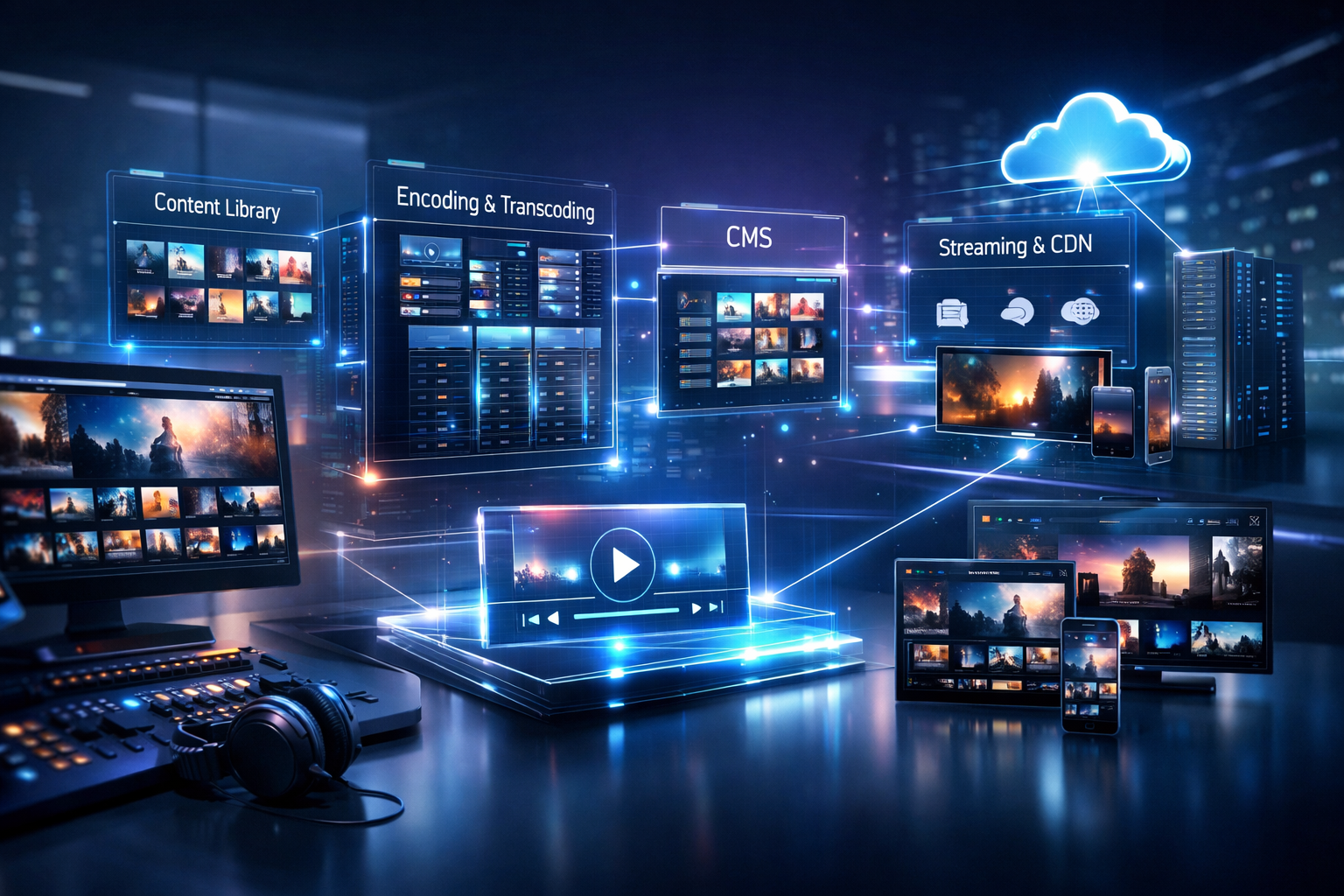
How to Build an OTT Platform (2026) Using Wowza Alternatives for Live Streaming
OTT (Over-The-Top) isn’t just for Netflix-style video libraries anymore. In 2026, an “OTT platform” can be as simple as a reliable live channel with a web player, apps, a schedule, and a backend that can stream from any device to any device—whether you’re a radio DJ, a church broadcaster, a podcaster doing live shows, a school station, or a live event streamer.
This step-by-step guide shows how to build an OTT-style experience using Wowza alternatives—without the expensive per-hour/per-viewer billing that can make costs unpredictable. You’ll set up a streaming server on Shoutcast Net, configure live ingest, add 24/7 programming with AutoDJ, publish players and apps, and then scale with analytics and monetization.
What you’ll build
- A live channel (audio or video) with reliable ingest
- A 24/7 fallback schedule using AutoDJ
- A publish-ready web player and app-ready stream URLs
- Analytics + monetization + optional restreaming
- A cost model designed for up to 1,000 listeners
Table of Contents
- 1) Define your OTT goals and content lineup
- 2) Choose a Wowza alternative with flat-rate pricing
- 3) Set up your streaming server on Shoutcast Net
- 4) Configure your live ingest (encoder) for audio/video
- 5) Add 24/7 programming with AutoDJ
- 6) Publish your web player, apps, and channel guide (EPG)
- 7) Scale, track analytics, monetize, and restream
Define your OTT goals and content lineup
Before you buy anything, define what “OTT” means for your station or channel. For broadcasters, OTT usually means: a stable stream + multiple ways to watch/listen + a consistent schedule + a backend that’s easy to operate. Your goal is to create an experience that works for live shows, 24/7 programming, and on-the-go listeners.
Action: choose your OTT format (audio-first, video-first, or hybrid)
Many radio DJs and podcasters start with audio OTT because it’s simpler, cheaper, and reaches everyone. Churches and live event streamers often prefer video, but still benefit from an audio fallback stream for bandwidth-limited viewers.
- Audio OTT: live radio, talk shows, DJ sets, sports commentary, school announcements
- Video OTT: worship services, concerts, conferences, sports, behind-the-scenes
- Hybrid: video live + audio simulcast + 24/7 audio channel between events
Action: map your weekly content lineup (live vs scheduled)
Your lineup determines what infrastructure you need. A “true” OTT feel usually includes a predictable schedule and a fallback loop, so your channel never goes offline.
- Live blocks: DJ shows, Sunday service, game day, podcast live recordings
- Scheduled blocks: replays, best-of compilations, sermon archive audio, station IDs
- Always-on filler: playlists and rotation so your stream is 24/7
Action: write your technical requirements in plain English
Keep it simple and measurable. Your “requirements list” becomes your checklist when comparing platforms.
- Uptime target: look for 99.9% uptime
- Security: SSL streaming (HTTPS) for modern browsers and apps
- Growth: up to 1,000 listeners (so you’re not punished for going viral)
- Latency: if you do live chat/engagement, aim for very low latency 3 sec where possible
- Compatibility: the ability to stream from any device to any device
Pro Tip
Don’t start by overbuilding. Build a single “channel” that’s always live (even if it’s AutoDJ between live shows), publish a web player, then expand into apps and extra channels once your format is proven.
Choose a Wowza alternative with flat-rate pricing
When people search “how to build an OTT platform,” they often land on enterprise stacks with usage-based billing. The problem: per-hour/per-viewer pricing can spike the moment you run a fundraiser, host a popular guest, or stream a big school event. For creators and community broadcasters, predictable costs matter.
Action: compare billing models (predictable vs unpredictable)
A modern OTT backend should scale without turning every listener into a line item. Shoutcast Net is designed for broadcasters who want a flat monthly rate and the confidence to promote their stream.
| What to compare | Usage-based (per hour/per viewer) | Flat-rate hosting (Shoutcast Net model) |
|---|---|---|
| Monthly cost predictability | Can fluctuate widely during peak events | Predictable flat-rate pricing |
| Going viral | Can become expensive fast | Up to 1,000 listeners (plan-dependent features, not per listener fees) |
| Best for | Enterprise teams with usage budgets | DJs, churches, schools, podcasters, live event streamers |
| Setup complexity | Often requires more engineering time | Streamer-friendly dashboards and quick start |
Action: ensure your “Wowza alternative” supports modern workflows
Your platform should be ready for today’s audience expectations—mobile-first, shareable, secure, and compatible with common encoders and players.
- SSL streaming so browsers don’t block playback
- 99.9% uptime for reliability
- Easy ingest from OBS, Wirecast, vMix, BUTT, Mixxx, VirtualDJ, etc.
- A path to support any stream protocols to any stream protocols (RTMP, RTSP, WebRTC, SRT, etc) when you grow into multi-protocol distribution
Action: decide whether you need Shoutcast, Icecast, or both
For audio OTT channels, Shoutcast and Icecast are still the most practical building blocks. Shoutcast Net offers both options depending on your use case.
- SHOUTcast: popular for internet radio workflows, metadata, and wide compatibility. Explore Shoutcast hosting.
- Icecast: flexible and widely supported in open-source ecosystems. See icecast options.
Pro Tip
If you’re replacing a legacy setup, don’t just “copy/paste” old limitations. Modernize: use SSL streaming, publish a mobile-friendly web player, and pick flat-rate hosting so you can market aggressively without worrying about per-viewer surprises.
Set up your streaming server on Shoutcast Net
This is the foundation of your OTT platform: your origin stream. Shoutcast Net is built for broadcasters who want flat-rate unlimited listening, fast setup, and features like AutoDJ—starting at $16/month, with a 7-day free trial (aka 7 days trial in our promos).
Action: choose a plan and activate your 7 days trial
Start by spinning up a server you can test end-to-end (encoder → server → player → phone). You can begin here: 7 days trial or browse options in the shop.
- Pick your server type: SHOUTcast or Icecast
- Choose bitrate and capacity based on your typical audience
- Enable SSL streaming where available for secure playback
Action: collect your core connection details
Every OTT build needs a small “credentials sheet” for your encoder and player setup. Save these in your station docs.
- Server hostname/IP
- Port (source/stream port and listener port, depending on setup)
- Mountpoint (common on Icecast)
- Source password
- Stream URL(s) for web player and apps
Action: harden your “origin” like a real OTT backend
OTT viewers don’t care what backend you use—they only notice when it breaks. Treat your server like production from day one.
- Use strong passwords and rotate them when DJs change
- Standardize your stream settings (codec/bitrate) so apps behave consistently
- Plan for spikes: up to 1,000 listeners + 99.9% uptime keeps your stream stable during big moments
Pro Tip
Think of Shoutcast Net as your OTT “origin server.” Once your origin is stable, you can publish it everywhere—website, apps, smart speakers, and even restream destinations—without rebuilding your pipeline.
Configure your live ingest (encoder) for audio/video
Ingest is how your live show reaches your OTT platform. For DJs, it’s your mixer/software to the server. For churches and events, it’s usually OBS/vMix/Wirecast sending your program feed. The key is consistency: stable bitrate, correct codec, and metadata.
Action: choose an encoder that matches your content
- Audio-only: BUTT, Mixxx, VirtualDJ, SAM Broadcaster, RadioBOSS
- Video: OBS Studio, vMix, Wirecast (with an audio simulcast stream if desired)
- Remote contributors: use clean audio routing (Virtual Cable) and test ahead
Action: use recommended audio settings for “OTT-style” reliability
For radio DJs, podcasters, and talk shows, these settings provide excellent quality without wasting bandwidth.
- Codec: AAC or MP3 (depending on your server/app requirements)
- Bitrate: 128–192 kbps for music; 64–128 kbps for talk
- Sample rate: 44.1 kHz (common) or 48 kHz (video workflows)
- Channels: Stereo for music; mono/stereo for talk depending on preference
Action: configure a basic SHOUTcast/Icecast source (example template)
Your encoder UI will differ, but the fields are basically the same. Use this checklist when filling it in.
Server Type: SHOUTcast or Icecast
Host/IP: your-stream-hostname
Port: 8000 (example)
Username: source (Icecast) / (leave blank for some SHOUTcast encoders)
Password: your-source-password
Mountpoint: /live (Icecast example)
Format: AAC/MP3
Bitrate: 128 kbps
Metadata: Enable (send song title/artist)
Action: plan for low-latency engagement when it matters
If you do live call-ins, chat, real-time worship responses, or giveaways, latency affects the experience. For interactive segments, consider workflows targeting very low latency 3 sec on the viewing side (when your chosen player/protocol supports it), while keeping your main channel stable for everyone.
This is also where bigger OTT stacks talk about protocol conversion—any stream protocols to any stream protocols (RTMP, RTSP, WebRTC, SRT, etc). You don’t have to implement everything on day one; just ensure your platform doesn’t block you from upgrading later.
Pro Tip
Run a 30-minute “full path” rehearsal: go live, verify playback on desktop + mobile, confirm metadata, and test your backup audio (AutoDJ) before you announce your channel publicly.
Add 24/7 programming with AutoDJ
A key OTT feature is “always on.” If your live show ends and the stream goes silent, viewers churn. The simplest way to maintain a real channel feel is AutoDJ: it keeps your station running 24/7 with scheduled playlists, rotations, and fallback content.
Action: enable AutoDJ and upload your library
With Shoutcast Net, you can add AutoDJ to keep music, sermons, replays, station IDs, or podcasts rolling even when nobody is live. Learn more here: AutoDJ.
- Upload audio files in your preferred quality
- Organize content by folders or categories (music, bumpers, replays, ads)
- Confirm track metadata so your player shows correct titles
Action: create a simple OTT-style clock (hourly structure)
Even a basic “station clock” makes your channel feel professional. Example for a community station:
- Top of hour: Station ID + sponsor mention
- Music block: 45–50 minutes (rotation)
- Short talk/promo: 2–5 minutes
- Replay segment: nightly “best of” hour (optional)
Action: set live takeover rules (so live shows override AutoDJ)
Your OTT channel should switch cleanly: when you go live, listeners hear the live show; when you disconnect, AutoDJ resumes. This protects you from dead air and makes your channel dependable for listeners across time zones.
Pro Tip
For churches and schools, build a “service day” or “game day” playlist: pre-roll music, announcements, then a post-roll segment. When the live feed drops, AutoDJ keeps the experience polished instead of silent.
Publish your web player, apps, and channel guide (EPG)
Now you turn your stream into an OTT destination. Publishing is where most creators win: a clean player, clear “Listen Live / Watch Live” buttons, and a schedule. In OTT terms, that schedule acts like an EPG (Electronic Program Guide)—even if it’s a simple weekly grid on your website.
Action: embed a web player on your site (mobile-first)
Your web player should work on modern browsers, support SSL streaming, and display metadata (show name, current track, live indicator). Put it on:
- Homepage (above the fold)
- A dedicated /listen or /live page
- Event pages (for live streams)
This is where you deliver on stream from any device to any device: desktop at work, phone in the car (via Bluetooth), tablets at home, and more.
Action: publish stream URLs for apps and directories
OTT distribution is multi-surface. Besides your website, plan to publish your stream to platforms your audience already uses.
- Mobile apps: custom apps or radio directory apps that accept stream URLs
- Smart speakers: via skills/actions or compatible directories
- CarPlay/Android Auto: via compatible apps
Action: create a lightweight EPG (schedule) that’s easy to maintain
You don’t need a complex broadcast automation system to publish an EPG-style guide. Start with a weekly schedule page that includes:
- Show title + host
- Time blocks in your primary timezone (and optionally UTC)
- Live vs replay tags
- Links to replays/podcasts
Action: plan your “channel lineup” for future growth
Many OTT platforms expand into multiple channels: “Live,” “24/7 Music,” “Talk,” “Sports,” “Worship,” or “Student Radio.” Start with one channel now, but name it like a network so it scales cleanly later.
Pro Tip
Treat your player page like an OTT “app screen”: one big play button, clear “Now Live” status, and a visible schedule. The simpler it is, the longer people stay tuned.
Scale, track analytics, monetize, and restream
Once your OTT channel is live and always-on, your next job is to grow without breaking your budget—and to measure what’s working. This is where flat-rate streaming shines: unlike legacy stacks with expensive per-hour/per-viewer billing, you can promote confidently because your platform is built for growth.
Action: monitor performance and listener behavior
Analytics tell you which shows retain listeners, what times perform best, and whether your promotions are working. Track:
- Concurrent listeners during live shows vs AutoDJ
- Peak times (helpful for scheduling premieres)
- Average listening duration (retention indicator)
- Device split (desktop vs mobile) to optimize your player page
Action: add monetization that matches your audience
OTT monetization doesn’t have to be complicated. Pick one or two methods you can maintain consistently.
- Sponsorship reads (host-read ads are powerful for community trust)
- Memberships/donations for churches, schools, and indie stations
- Audio ads inserted via scheduled blocks (great with AutoDJ clocks)
- Affiliate links for equipment, courses, or event tickets
Action: restream your live moments to social platforms
OTT growth often comes from distribution, not just production. For major shows and events, you can Restream to Facebook, Twitch, YouTube to reach new audiences—then bring them back to your owned OTT destination (your site/app) for the full experience.
Build a simple funnel:
- Go live on your main channel (your “origin”)
- Simulcast key segments to social for discovery
- Pin a comment/link to your web player page
- Promote your schedule (EPG) so they return next week
Action: scale without inheriting legacy limitations
Legacy Shoutcast limitations usually show up when stations don’t modernize: no SSL, inconsistent metadata, no fallback programming, and fragile workflows. Shoutcast Net is built to avoid those pain points with modern hosting, SSL streaming, 99.9% uptime, up to 1,000 listeners, and a creator-friendly setup—starting at $16/month.
If you’re ready to build and test your full OTT pipeline now, start with a 7 days trial, then choose a plan in the shop once you’ve verified your workflow.
Pro Tip
The fastest way to grow is consistency + reliability. Make AutoDJ your safety net, publish a clear schedule, and use restreaming for discovery. Flat-rate hosting keeps your costs stable while your audience scales.
Ready to build your OTT channel on a flat-rate platform?
If you want an OTT-style live streaming setup that’s easy to run, doesn’t punish growth with per-hour/per-viewer costs, and includes features like AutoDJ, start with Shoutcast Net. You’ll get a broadcaster-friendly control panel, SSL streaming, 99.9% uptime, and plans starting at $16/month.
Quick checklist
- Define channel format + schedule
- Pick flat-rate hosting (avoid surprise bills)
- Configure encoder + test end-to-end
- Enable AutoDJ for 24/7 uptime
- Publish player + EPG and promote
- Measure, monetize, and restream key events