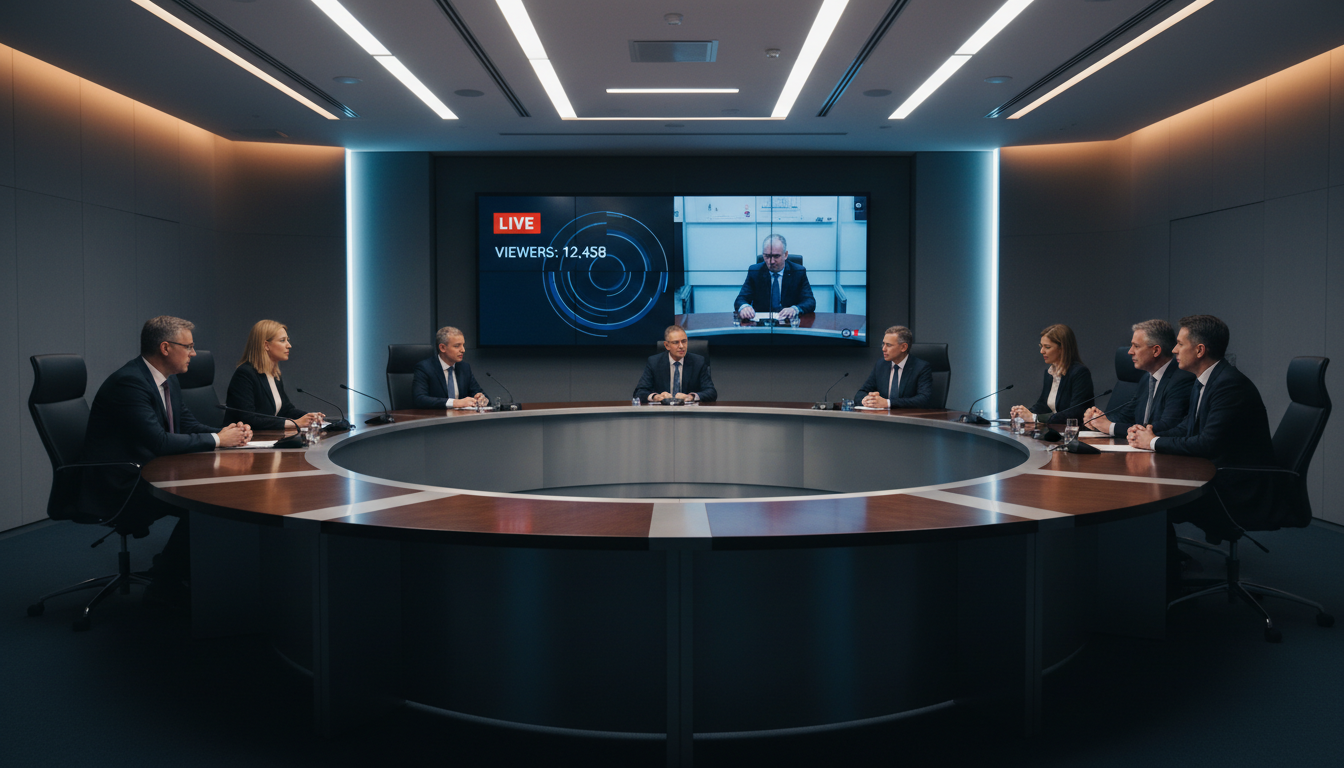
In an era where public trust and civic engagement are more crucial than ever, government bodies are turning to technology to bridge the gap with their constituents. Live streaming public meetings—from city council sessions and school board debates to planning commission hearings—is no longer a novelty; it's an essential component of modern transparent governance. This guide will walk you through everything you need to know to successfully and affordably broadcast your public meetings.
Whether you're a local government official, a community broadcaster, or a concerned citizen looking to help your town increase its transparency, you'll find the tools, techniques, and expert advice needed to get started right here. Let's explore how to bring your government meetings to a wider audience, fostering a more informed and engaged community.
Why Live Stream Government Meetings?
The decision to live stream government meetings goes far beyond simply adopting new technology. It's a fundamental step toward creating a more open, accessible, and accountable form of local government. The benefits are tangible and impact both the governing body and the public it serves.
Fostering Unprecedented Transparency
At its core, streaming meetings demystifies the process of governance. When residents can watch decision-making as it happens, unedited and unfiltered, it builds a powerful sense of trust. They can see the discussions, understand the nuances of debates, and witness how their elected officials represent them. This direct window into the workings of government eliminates speculation and counters misinformation, creating a more informed electorate.
Enhancing Public Accessibility
Attending a public meeting in person isn't always feasible. Residents may have work commitments, childcare responsibilities, mobility issues, or transportation challenges. Live streaming removes these barriers, allowing citizens to participate in their democracy from the comfort of their own homes. This is particularly vital for including elderly residents, individuals with disabilities, and busy working families who would otherwise be excluded from the civic process.
Creating a Permanent Public Record
A live stream automatically creates a digital archive of every meeting. These video or audio recordings serve as an invaluable, searchable public record. Staff, journalists, and citizens can easily refer back to specific discussions, verify votes, and track the progress of initiatives over time. This is a significant upgrade from traditional written minutes, which often lack the context and detail of a full recording. With a service like Shoutcast Net, you can even use our AutoDJ feature to rebroadcast these archives or make them available on-demand.
Meeting and Exceeding Legal Requirements
Many states and municipalities have "Sunshine Laws" or Open Meeting Acts that mandate public access to government proceedings. While live streaming may not be legally required everywhere yet, it is the most effective way to meet the spirit of these laws. By proactively embracing this technology, you demonstrate a strong commitment to open government that goes above and beyond the bare minimum legal standard.
Pro Tip: Start with Audio
If a full video production seems daunting, don't let that stop you. An audio-only stream is incredibly valuable, highly accessible, and much simpler to set up. Clear audio is the most critical component of any meeting broadcast. Shoutcast Net's roots are in radio streaming, making us the perfect platform for high-quality, reliable audio-only broadcasts with our Shoutcast hosting and Icecast hosting plans.
Choosing the Right Streaming Platform (Shoutcast Net vs. Competitors)
Your choice of streaming platform is the most critical decision you'll make. It will determine your costs, your capabilities, and the overall reliability of your broadcast. Let's break down the options.
The "Free" Social Media Giants: YouTube & Facebook Live
Using free platforms like YouTube Live or Facebook Live is tempting, but for a government body, the trade-offs are significant. Your stream will be subject to their terms of service, which can change without notice. An algorithm could mistakenly flag your meeting for a copyright or policy violation, abruptly ending your stream. Furthermore, you're forcing citizens onto platforms filled with ads and distractions, and you give up control over their data. These platforms are not designed for professional, reliable public broadcasting.
The Legacy Enterprise Trap: Wowza and Per-Viewer Billing
Platforms like Wowza represent the old guard of streaming. Their pricing models are often complex and punishing for public entities. They frequently charge based on a combination of bandwidth used and the number of viewers, sometimes even per hour. This creates a nightmare scenario for a government budget: what happens if a controversial topic causes a massive spike in viewership? Your streaming bill could skyrocket unexpectedly. This model penalizes you for success and makes financial planning impossible.
The Smart, Modern Solution: Shoutcast Net
Shoutcast Net was built for the modern broadcaster, offering a powerful, predictable, and affordable solution perfect for government use. Our core advantage is our pricing model: a simple, flat monthly rate with up to 1,000 listeners and unlimited bandwidth. You pay one low price, and you can have 10 viewers or 1,000 viewers—your bill never changes. This budgetary certainty is essential for public funds.
Starting at just $4/month, our platform provides everything you need:
- Up to 1,000 Listeners/Viewers: Never worry about exceeding a cap or paying overages.
- 99.9% Uptime SLA: Rock-solid reliability for your most important meetings.
- SSL Streaming: Secure streams for you and your audience.
- Powerful Features: We empower you to stream from any device to any device. We handle the complex conversions, supporting any stream protocols to any stream protocols (RTMP, RTSP, WebRTC, SRT, etc), ensuring compatibility with all your equipment.
- Ultra-Low Latency: With our technology, you can achieve a very low latency 3 sec stream, keeping your online audience in sync with the live event.
- Free Trial: We're so confident you'll love our service that we offer a no-obligation 7 days trial.
| Feature | Shoutcast Net | Wowza | YouTube/Facebook |
|---|---|---|---|
| Pricing Model | Flat-Rate, Predictable | Complex, Per-Viewer/Hour | Free (with ads & data collection) |
| Up to 1,000 Viewers | ✔️ | ❌ | ✔️ |
| Budget Friendly | Starts at $4/month | Very Expensive at Scale | Free, but with hidden costs |
| Audio-Only Option | ✔️ (Superior) | ✔️ (Clunky) | ❌ |
| Platform Control | Full control over your stream & player | Full control | None (subject to their rules) |
| Technical Support | Expert 24/7 Support | Tiered Support (can be slow) | Community Forums Only |
| AutoDJ / Scheduling | ✔️ | ❌ | ❌ |
Pro Tip: Use Your Free Trial for a Full Test Run
Words on a page are one thing, but hands-on experience is everything. Sign up for the Shoutcast Net 7 days trial and conduct a full, private test stream. Connect your camera and microphone, configure your encoder, and embed the test stream on a private page. This allows you to work out any kinks in your setup with zero risk before your first public broadcast.
Essential Equipment for a Professional Live Stream
While the platform is the brain, your equipment forms the sensory organs of your stream. High-quality audio and clear video are non-negotiable for a professional broadcast. Here’s a breakdown of what you'll need, from budget-friendly to professional-grade.
Audio: The Most Critical Component
You can get away with standard-definition video, but poor audio will make your stream unwatchable. If the public can't hear what's being said, the entire effort is wasted. Invest here first.
- Microphones: For a council meeting, you'll need multiple microphones. Gooseneck microphones for each council member's seat are ideal. Alternatively, PZM (Pressure Zone Microphones) or boundary mics placed on the table can capture a wider area. A dedicated lectern mic should be used for public comments.
- Audio Mixer: This is a non-negotiable piece of hardware. A mixer takes the audio from all your different microphones, allows a technician to control the volume of each one individually (muting those not in use to reduce background noise), and outputs a single, clean audio feed to your encoder. A small 8 or 12-channel mixer is a great starting point.
Video: Capturing the Action
Your video choice depends on your budget and desired production value.
- Good (Budget): A high-quality webcam like a Logitech C922 Pro can provide a decent wide shot of the room. It's simple, USB-powered, and easy to set up.
- Better (Mid-Range): A camcorder with an HDMI output offers better image quality and optical zoom capabilities. You can zoom in on the person speaking or show presentation materials more clearly. You'll need a capture card (like an Elgato Cam Link 4K) to connect the HDMI output to your computer.
- Best (Professional): PTZ (Pan-Tilt-Zoom) cameras are the professional standard for this type of work. They can be mounted discreetly and controlled remotely by a single operator to pan across the dais, zoom in on speakers, and follow the action without physically moving a camera. A setup with 2-3 PTZ cameras provides a dynamic, broadcast-quality production.
Encoder & Network: The Digital Backbone
The encoder is a piece of software or hardware that takes the audio and video from your mixer and cameras, compresses it, and sends it to your streaming platform (Shoutcast Net).
- Software Encoder (Recommended): OBS Studio is a powerful, professional, and completely free software encoder. It runs on a dedicated laptop or PC and can manage multiple video sources, add graphics (like lower thirds with names and titles), and send the final feed to your stream server.
- Hardware Encoder: These are dedicated boxes that perform the same function as software but without needing a full computer. They are extremely reliable but come at a higher cost.
- Network Connection: Do not use Wi-Fi. A stable, hardwired ethernet connection is absolutely essential for a reliable stream. Run a speed test beforehand; you'll want an upload speed of at least 5-10 Mbps for a high-quality HD stream.
Pro Tip: The "One Clean Feed" Rule
Your goal is to send one, clean, final stream from your location to Shoutcast Net. Use your audio mixer to create a perfect audio mix. Use your video switcher or software like OBS to create your final video program. This "one clean feed" is then sent to our servers, and we handle the difficult task of distributing it flawlessly to your entire audience, no matter where they are or what device they're using.
Step-by-Step: How to Set Up Your Stream with Shoutcast Net
Getting your government meeting live with Shoutcast Net is straightforward. Our platform is designed to be powerful yet easy to use. Here’s the basic workflow.
Step 1: Choose Your Shoutcast Net Plan
Head over to our shop and select a video or audio streaming plan that fits your needs. For government meetings, we recommend one of our video streaming plans which provide ample power and features. Remember, every plan comes with our 7 days trial, so you can get started without any commitment.
Step 2: Locate Your Stream Credentials
Once your service is active, log in to your Shoutcast Net control panel. You'll find your unique streaming credentials. These consist of a Server URL and a Stream Key. These are like the address and the key to your private broadcast studio in the cloud. Keep the Stream Key private!
# Example Credentials in your Shoutcast Net Panel

Server URL: rtmp://live.shoutcastnet.com/live
Stream Key: live_12345_a1b2c3d4e5f6g7h8i9j0
Step 3: Configure Your Encoder (OBS)
Open OBS Studio (or your chosen encoder). In the settings menu, navigate to the "Stream" tab.
- Set "Service" to "Custom...".
- In the "Server" field, paste the Server URL from your Shoutcast Net panel.
- In the "Stream Key" field, paste your unique Stream Key.
- In the "Output" settings, a bitrate of 2500-4000 kbps is excellent for a 1080p stream. For audio, choose AAC at 128 kbps.
In the main OBS window, add your camera(s) and audio mixer as sources. Now you're ready to broadcast.
Step 4: Embed the Player on Your Website
Your Shoutcast Net control panel provides a simple HTML embed code for your video player. Copy this code and paste it into the HTML of your government website on a dedicated "Live Meetings" page. The player is fully responsive and will work on any desktop or mobile device. It's white-label, meaning no third-party branding—just your content.
Step 5: Go Live and Use AutoDJ
About 15-30 minutes before the meeting starts, click "Start Streaming" in OBS. We recommend using our powerful AutoDJ feature to play a pre-stream slate. This could be a graphic with the meeting title and start time, accompanied by light hold music or a pre-recorded message about how to participate in public comment. When the meeting is ready to begin, you can seamlessly transition to your live camera feed. The AutoDJ is also perfect for scheduling rebroadcasts of past meetings, ensuring your content is always available.
Pro Tip: Test, Test, and Test Again
Before your first official stream, conduct a full end-to-end test. Have a colleague in another location watch the stream on the website and report on the quality. Check audio levels, video clarity, and the stability of the stream. A 30-minute test run can save you from major headaches during the live event.
Promoting Your Live Stream to Maximize Public Reach
A live stream is only effective if people know it exists. Proactive promotion is key to maximizing viewership and civic engagement. Build a strategy to make your stream a well-known community resource.
Create a Central Hub on Your Website
Your official government website should be the single source of truth. Create a prominent, easy-to-find page called "Live Meetings," "Watch Live," or "Government TV." This page should feature the embedded live player, a schedule of upcoming meetings, and an archive of past meeting recordings. Make this page a top-level menu item so it's always one click away.
Leverage Social Media and Email Lists
Use your existing communication channels. Announce upcoming meetings on your official Facebook, Twitter, and other social media accounts 24 hours in advance, and again 1 hour before the stream begins. Include a direct link to the "Live Meetings" page on your website. If you maintain a public email newsletter, always include the meeting schedule and a link to the stream.
Use Restreaming to Broaden Your Reach
While you don't want social media to be your primary platform, you can use its reach to your advantage. Shoutcast Net offers a powerful feature to Restream to Facebook, Twitch, YouTube, and other platforms simultaneously. Your primary, ad-free, high-quality stream lives on your website, but you can send a copy to these social platforms to act as a promotional tool. Viewers on Facebook or YouTube can see the meeting is happening and a simple on-screen graphic can direct them to your official website for the best viewing experience and to access archives.
Pro Tip: Consistency is Key
Make streaming a consistent, reliable part of every public meeting. When the public knows they can always count on a stream being available at a specific link at a specific time, it becomes a habit. Post a yearly calendar of scheduled meetings and commit to streaming every single one. Reliability builds audience trust and loyalty.
Legal & Accessibility Considerations
Broadcasting government meetings carries responsibilities. Paying attention to legal and accessibility requirements from the start will ensure your streams serve your entire community and protect your organization.
Legal Compliance and Public Record
Be aware of your state's Open Meeting and Public Records laws. In most cases, your stream and its recording become part of the official public record. This means you must have a plan for archiving and retaining these recordings for a specified period. Also, be mindful of privacy. While elected officials have no expectation of privacy in a public meeting, you should have clear policies regarding public commenters, especially if minors are speaking. Always consult with your municipal attorney to establish clear policies before you begin streaming.
Accessibility (ADA Compliance)
Government services, including live streams, must be accessible to people with disabilities under the Americans with Disabilities Act (ADA). This is not just a legal requirement; it's the right thing to do.
- Closed Captions: For the hearing-impaired, captions are essential. While live captioning can be expensive, many encoders (including OBS with plugins) can integrate with AI-based live captioning services. At a minimum, you should commit to editing and adding accurate captions to the recorded version of the meeting within 24-48 hours.
- Transcripts: Providing a full text transcript of the meeting alongside the video archive is a huge benefit for accessibility and searchability.
- Audio-Only Feed: As mentioned before, an audio-only stream is a fantastic accessibility feature. It's perfect for those with visual impairments and for users on low-bandwidth internet connections. Shoutcast Net makes it trivial to run a parallel Icecast or Shoutcast audio stream alongside your video.
Pro Tip: Create an Accessibility Statement
On your "Live Meetings" web page, include a clear Accessibility Statement. This statement should describe the features you've implemented (like captions and transcripts), acknowledge any areas you're still working on, and provide a contact person or email address for users to request accommodations or report issues. This transparency shows a good-faith effort and provides a valuable feedback loop.
Ready to Bring Transparency to Your Community?
Live streaming government meetings is a powerful step towards a more open, engaged, and trusted democracy. With predictable flat-rate pricing, up to 1,000 viewers, and robust professional features, Shoutcast Net is the ideal partner for public entities.
Stop worrying about unpredictable bills and unreliable platforms. Take control of your broadcast and serve your community effectively.
Start Your 7-Day Free Trial Today