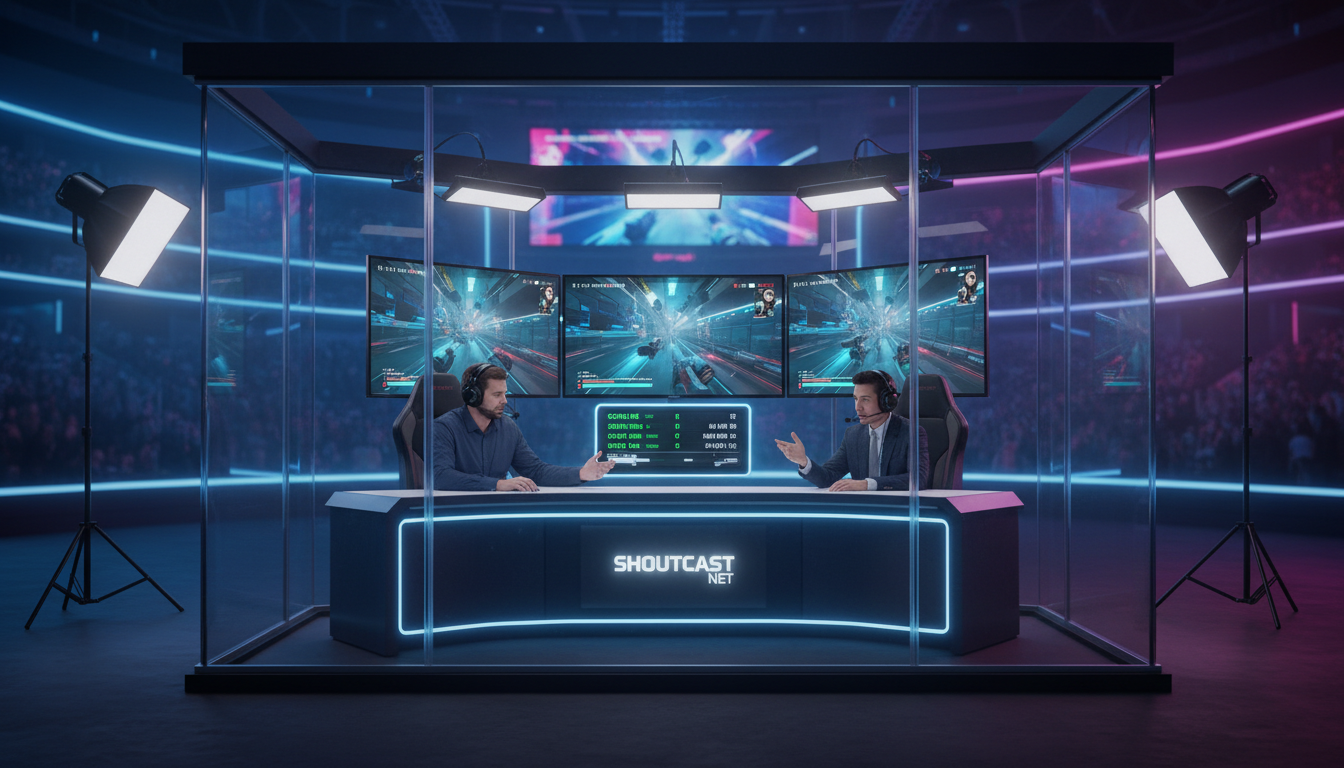
Why You Need a Dedicated Server for Esports
Welcome to the explosive world of esports! Whether you're hosting a local LAN party for a dozen friends or a full-scale online tournament with thousands of viewers, the quality of your live stream is paramount. It's the digital stage where every clutch play, every strategic masterstroke, and every victory celebration unfolds. While platforms like Twitch and YouTube are fantastic for audience discovery, relying on them as your primary broadcast infrastructure is like building a stadium on rented land—you're bound by their rules, their limitations, and their technical issues.
This is where a dedicated streaming server becomes your ultimate competitive advantage. Think of it as your own private broadcast truck, giving you complete control over your tournament's presentation, quality, and destiny. For our community of radio DJs, church broadcasters, and podcasters, the concept is familiar: just as you wouldn't let a third party dictate your radio programming, you shouldn't let them control your live video event.
The Limitations of "Free" Platforms
Free streaming platforms are a double-edged sword. While they provide a massive potential audience, they come with significant trade-offs for a serious tournament organizer:
- Aggressive DMCA Takedowns: In-game music, background tunes, or even sponsored content can trigger automated copyright strikes, potentially shutting down your stream mid-match.
- Forced Transcoding & Quality Caps: Your pristine 1080p 60fps stream might be downscaled for many viewers, diminishing the viewing experience. You have no control over the quality options your audience receives.
- Lack of Control and Branding: Your stream is plastered with the platform's branding, not yours. You're subject to their ads, their UI, and their platform-wide outages.
- Limited Monetization: You're stuck with their ad-share models, which often pay pennies on the dollar and give you no say over when or how ads are shown.
The Power of a Dedicated Shoutcast Net Server
By using a dedicated server from Shoutcast Net, you move from being a user to being a broadcaster. You gain the power, reliability, and professionalism that sets your tournament apart.
- Total Control: Your stream, your rules. No copyright bots, no forced ads. You own the content and the platform. Brand your player, your page, and your entire viewing experience.
- Unmatched Quality: Deliver your stream at the highest possible bitrate. With Shoutcast Net, you can stream from any device to any device, ensuring your viewers see the action exactly as you intend it, in crystal clear high definition.
- Rock-Solid Reliability: Don't let a platform-wide outage ruin your grand finals. We guarantee 99.9% uptime, so your stream stays live when it matters most. Our servers are built to handle massive, sudden traffic spikes with ease, thanks to our up to 1,000 listeners model.
- Centralized Hub: Use your dedicated server as the core of your broadcast. From this single, high-quality source, you can then restream to other platforms, creating a multi-pronged distribution strategy without taxing your own internet connection.
Pro Tip: Perception is Everything
Hosting your stream on your own branded website, powered by a dedicated server, instantly elevates the perception of your tournament. It signals professionalism and seriousness to players, sponsors, and viewers. It shows you've invested in the quality of your production, which can be the deciding factor in attracting top talent and lucrative sponsorships.
Shoutcast Net vs. Wowza: Flat-Rate vs. Per-Viewer Pricing
When choosing a server provider, the pricing model is one of the most critical factors. It directly impacts your budget, your ability to scale, and your peace of mind. Let's break down the fundamental difference between Shoutcast Net's predictable flat-rate model and the complex, variable pricing of competitors like Wowza.
Legacy solutions like the original Shoutcast V1/V2 were pioneers in internet radio but are completely unsuitable for modern esports, as they are audio-only. Modern platforms are a necessity. Wowza is a powerful, well-known name in the video streaming space, but its power comes at a cost—literally. Their pricing is based on a combination of usage hours, bandwidth consumed, and sometimes even per-viewer metrics. For an esports tournament, where viewer counts can spike from 50 to 5,000 in minutes, this is a recipe for a financial nightmare.
Imagine your stream goes viral mid-tournament. With Wowza, your success is immediately punished with a massive, unexpected bill. With Shoutcast Net, your success is simply... success. Our flat-rate plans mean you pay one low monthly price, regardless of how many viewers tune in or how much data they use. It's that simple.
Pricing Model Showdown
| Feature | Shoutcast Net | Wowza & Similar Competitors |
|---|---|---|
| Pricing Model | Flat-Rate Monthly Fee | Per-Hour, Per-GB, and/or Per-Viewer |
| Cost Predictability | 100% Predictable. Your bill is the same every month. | Extremely unpredictable. Costs scale with viewership. |
| Viewers / Listeners | Unlimited | Limited by plan or billed per viewer-hour. |
| Bandwidth | Unlimited | Metered and charged per GB. Overages are expensive. |
| Budgeting | Simple and stress-free. Easy to budget for any event. | Complex and risky. A successful stream can break the bank. |
| Starting Price | Starts at just $4.00/month. | Often starts much higher, with usage fees on top. |
The choice is clear. For any event with unknown or potentially high viewership—which is every esports tournament—a flat-rate model is the only sensible option. It removes risk and allows you to focus on producing a great show, not on anxiously watching a billing meter tick up. You can start with our affordable plans and know that your costs won't spiral out of control as your tournament grows. Why not see for yourself with our free 7 days trial?
Pro Tip: De-Risk Your Event Budget
When pitching your tournament to sponsors, a clear and fixed budget is crucial. Using a variable-cost streaming provider introduces a massive unknown that can scare sponsors away. By choosing Shoutcast Net's flat-rate plan, you can present a fixed, predictable cost for your broadcast infrastructure. This professionalism and financial stability makes your event a much more attractive and safer investment for partners.
Step-by-Step: Setting Up Your Streaming Server
Getting your professional esports stream online is faster and easier than you think. Our platform is designed for broadcasters of all skill levels. Here’s a straightforward guide to get you from sign-up to "Go Live" in just a few minutes.
Step 1: Choose Your Shoutcast Net Plan
First, head over to our shop page. We offer a range of video streaming plans tailored to different needs and budgets, starting from just $4.00/month. Plans come with 100, 500 or 1,000 viewers, SSL streaming, and our powerful control panel. For a high-action esports tournament, we recommend a plan with a higher bitrate limit to ensure a flawless 1080p60 feed. Don't worry, you can easily upgrade later. Select a plan and grab our free 7 days trial to get started with zero risk.
Step 2: Access Your Control Panel & Find Your Details
Once you've signed up, you’ll receive an email with your login details for our custom streaming control panel. This is your command center. Log in, and you'll find all the critical information you need on the main dashboard. Look for the "Stream Details" or "Connection Info" section. You will need three key pieces of information:
- Server/Host URL: This is the RTMP address you'll stream to. It will look something like `rtmp://geo.shoutcastnet.com:1935/live`.
- Stream Name/Key: This is a unique identifier for your stream, often randomized for security.
Step 3: Configure Your Broadcasting Software (OBS)
OBS (Open Broadcaster Software) is the industry standard for live streaming, and it's free. If you don't have it, download it now. Here’s how to connect it to your Shoutcast Net server:
- Open OBS and go to File > Settings.
- Click on the Stream tab on the left.
- For "Service," select Custom...
- In the "Server" field, paste your Server/Host URL from the control panel.
- In the "Stream Key" field, paste your Stream Name/Key.
- Click Apply, then OK.
# OBS Stream Settings Example
Service: Custom...
Server: rtmp://geo.shoutcastnet.com:1935/live
Stream Key: ab12-cd34-ef56-gh78
Step 4: Go Live and Embed Your Player
With your scenes and sources configured in OBS (your game capture, webcams, overlays, etc.), you're ready to broadcast. Simply click the "Start Streaming" button in OBS. Your video feed is now being sent to your Shoutcast Net server!
To share it with the world, go back to your Shoutcast Net control panel. You'll find a "Player Embed Code" section. Copy the provided HTML snippet and paste it into the code of your tournament website. That's it! You now have a high-quality, professionally branded live stream running on your own domain.
Pro Tip: Run a Full Dress Rehearsal
Never let the tournament be your first time testing the full setup. At least 24 hours before the event, do a complete test stream. Go live for 30-60 minutes, check the embedded player on your website, and have team members watch from different devices and locations. This helps you identify any potential bottlenecks in your audio, video, or internet connection before it's showtime.
How to Optimize for Low-Latency Gaming Streams
In esports, every second counts—not just for the players, but for the viewers too. Latency, the delay between the live action and when the viewer sees it, can make or break the experience. High latency kills audience interaction, makes real-time commentary feel disconnected, and ruins the excitement of fast-paced games. Our infrastructure is built for speed, offering options for a very low latency 3 sec stream, and even faster with specific protocols.
Achieving low latency is a balance between your encoder settings, the protocol you use, and your server's capabilities. Shoutcast Net provides the flexibility to handle this complex dance, supporting the ability to convert any stream protocols to any stream protocols (RTMP, RTSP, WebRTC, SRT, etc). This means you can send your stream to us using the best protocol for quality (like SRT) and we can deliver it to viewers using the best protocol for speed (like WebRTC).
Understanding Streaming Protocols
- RTMP (Real-Time Messaging Protocol): The long-standing industry standard for ingest (sending your stream from OBS to the server). It's reliable and widely supported, but typically has higher latency (5-15 seconds). It's a great starting point.
- SRT (Secure Reliable Transport): A modern protocol that's fantastic for sending high-quality video over unpredictable networks (like public internet). It's more resilient to packet loss and can achieve lower latency than RTMP. It's an excellent choice for your primary feed from the event location to our server.
- WebRTC (Web Real-Time Communication): The king of low latency. This is the protocol that enables near-real-time, sub-second video conferencing. Shoutcast Net can output your stream via WebRTC, allowing you to create a premium, ultra-low latency viewing experience on your website for viewers who need to be right on top of the action.
Optimal OBS Settings for Low Latency & High Quality
In your OBS settings under Output > Streaming, you can fine-tune your stream for the perfect balance. Here are our recommended settings for a 1080p 60fps esports stream:
# OBS Output Settings (Advanced)

Encoder: NVIDIA NVENC H.264 (new) (if you have an NVIDIA GPU)
Rate Control: CBR (Constant Bitrate)
Bitrate: 6000-8000 Kbps (for 1080p60)
Keyframe Interval: 2 s
Preset: P5: Slow (Good Quality) or P6: Slower (Better Quality)
Tuning: Ultra Low Latency
Multipass Mode: Quarter Resolution
Profile: high
Look-ahead: Off
Psycho Visual Tuning: On
Max B-frames: 0 (Crucial for low latency)
Key takeaways from these settings:
- Using a hardware encoder (NVENC) offloads work from your CPU, preventing in-game performance drops.
- A Keyframe Interval of 2 is standard for most streaming platforms and helps with stream stability.
- Setting Max B-frames to 0 and using a Low-Latency preset are the most impactful changes you can make in OBS to reduce delay.
Pro Tip: Go Wired or Go Home
The single biggest point of failure for stream quality and latency is an unstable internet connection. No amount of server power or encoder tweaking can fix a bad connection. For any serious stream, especially for an esports tournament, a wired ethernet connection is non-negotiable. It provides a stable, consistent connection with lower ping and no risk of Wi-Fi interference, ensuring a clean signal reaches our servers.
Restreaming Your Tournament to Twitch, YouTube, and More
While hosting on your own dedicated server is key for quality and control, you can't ignore the massive built-in audiences on platforms like Twitch, YouTube, and Facebook Gaming. The solution isn't to choose one over the other; it's to use them all simultaneously. This is where restreaming comes in, and Shoutcast Net makes it incredibly simple.
The concept is powerful: you send a single, high-quality, high-bitrate stream from your OBS to your Shoutcast Net server. Our server then takes that pristine feed and automatically broadcasts it out to all the other platforms you've configured. This is a game-changer for several reasons:
- Saves Your Resources: Your computer and internet connection only have to handle uploading one stream. Our powerful servers do all the heavy lifting of duplicating and sending it to multiple destinations.
- Creates a "Master Feed": Your stream on your own website, powered by Shoutcast Net, becomes the highest quality, ad-free "source of truth." You can direct serious fans there for the premium experience.
- Maximizes Your Reach: You capture audiences wherever they are, whether they're scrolling on Facebook, browsing YouTube, or following their favorite category on Twitch.
How to Set Up Restreaming in Shoutcast Net
Our control panel includes a built-in feature to Restream to Facebook, Twitch, YouTube, and any other platform that accepts an RTMP input. The process is a breeze:
- Log in to your Shoutcast Net control panel and navigate to the "Restreaming" or "Social Publishing" section.
- Add a new restreaming target. You'll see options for popular platforms.
- Get your destination's stream key. For example, go to your Twitch Creator Dashboard, find your primary Stream Key, and copy it. Do the same for YouTube or Facebook.
- Paste the details into Shoutcast Net. Select the platform (e.g., Twitch), paste its RTMP URL (if required), and paste the Stream Key you just copied.
- Save and enable. Repeat this for every platform you want to stream to.
That's it! Now, the moment you start streaming from OBS to your Shoutcast Net server, our system will automatically start pushing your stream to all your enabled destinations. You can toggle them on or off with a single click in our control panel, giving you full command over your distribution.
Pro Tip: Tailor Your Metadata
When restreaming, don't use a generic title for all platforms. Take a few extra minutes to set a unique, platform-appropriate title, description, and tags/category for each destination (e.g., in your Twitch and YouTube dashboards). Use relevant hashtags for Facebook and Twitter. This small effort dramatically increases your stream's discoverability on each platform, as it leverages their specific algorithms and search functions.
Monetizing Your Esports Stream
A successful tournament shouldn't just be a technical marvel; it should be a financial success, too. Using a dedicated server from Shoutcast Net unlocks a world of monetization strategies far beyond the limited ad-share revenue from platforms like Twitch. By controlling the broadcast, you control the inventory, giving you the power to generate significant revenue.
This is where broadcasters from radio and other fields will feel right at home. The principles of selling ad spots, sponsorships, and creating premium content apply directly to esports.
Direct Sponsorships & Ad Placements
This is your most powerful tool. Since you control the entire video feed from OBS, you can bake sponsor content directly into the stream. This is far more valuable than a simple banner on a website.
- Overlays: Use OBS to place sponsor logos tastefully on your game screen, player cams, or scoreboards.
- Video Commercials: Play full-screen video ads for your sponsors during match breaks, timeouts, or pre/post-show analysis.
- Branded Segments: Create a "Sponsor X Replay" or "Sponsor Y Player of the Game" segment, giving a premier sponsor direct association with exciting content.
Pay-Per-View (PPV) & Premium Access
With your stream hosted on your own website, you can implement a paywall. This is impossible when you only stream to free platforms. You can create a tiered viewing experience:
- Free View: Offer the stream on Twitch/YouTube with ads and potentially lower quality.
- Premium View: Charge a one-time fee for access to the stream on your website. This feed would be the highest quality, ad-free, and feature the very low latency 3 sec experience, offering a clear incentive to pay.
Automated Ad Breaks with AutoDJ
For our radio broadcaster clients, our AutoDJ feature is a familiar friend. While typically used for scheduling music and jingles, it can be brilliantly repurposed for video esports streams. During extended breaks between matches or during downtime, you can use the AutoDJ to run a pre-scheduled playlist of sponsor commercials, tournament hype videos, or community content. This keeps your stream engaging and monetized even when there's no live gameplay, all without any manual intervention.
Donations and Affiliate Marketing
Don't forget the direct-to-creator methods. Integrate donation alerts from services like Streamlabs directly into your OBS scenes. Set up donation goals to add excitement. Additionally, partner with companies selling gaming hardware, chairs, or accessories. Use custom links and promote them on stream and on your website to earn affiliate commissions on sales.
Pro Tip: Create a Sponsorship Prospectus
Don't just ask for money. Create a professional PDF document (a prospectus) that details your tournament, expected viewership, and the specific sponsorship packages you offer. For example: "Gold Package: $500 - Includes 10 logo placements on the main overlay, two 30-second video ads per hour, and a 'brought to you by' mention." This professional approach shows you're serious and makes it easy for sponsors to see the value you're offering.
Ready to Build Your Esports Empire?
Stop renting space on someone else's platform. Take control of your broadcast, deliver unparalleled quality, and unlock your tournament's true potential. With predictable flat-rate pricing and powerful features, Shoutcast Net is the professional's choice for esports streaming.
Start Your 7-Day Free Trial Today