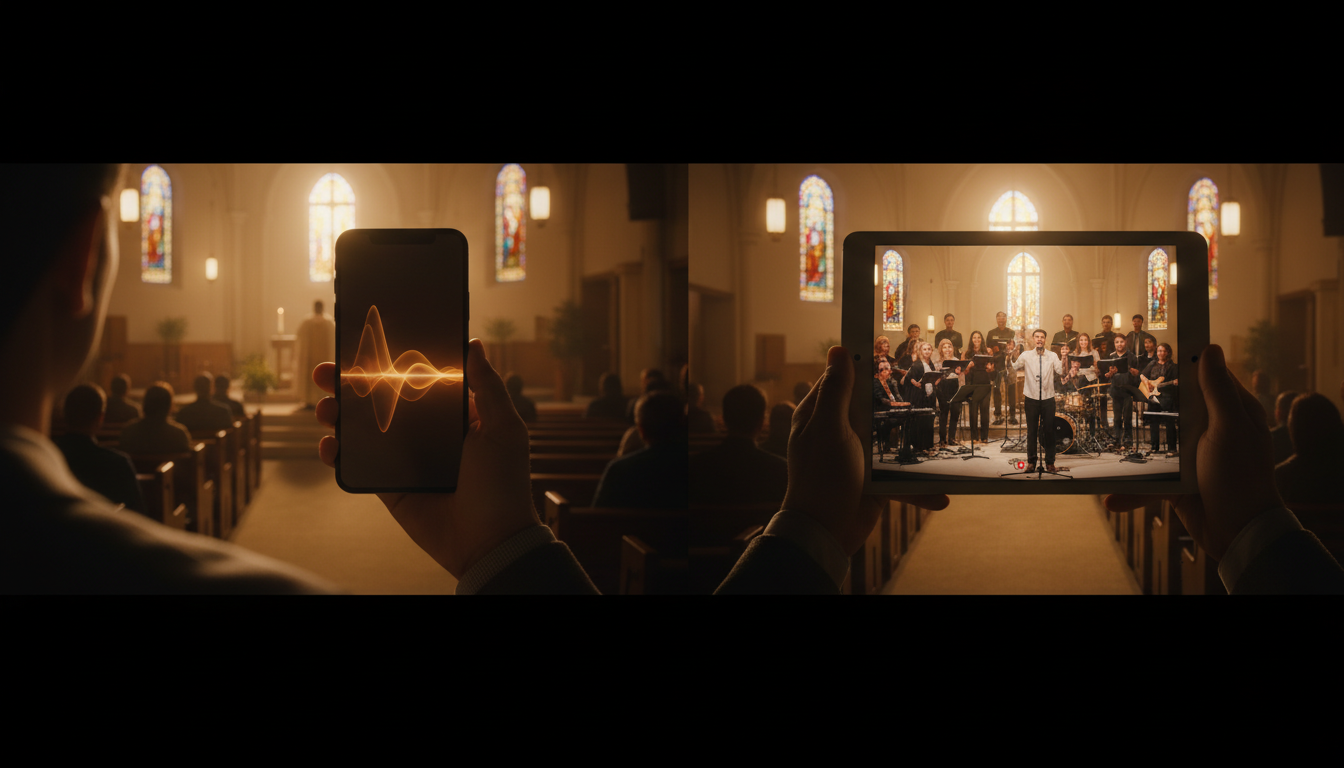
In today's digitally connected world, churches are no longer confined to their physical walls. Reaching your congregation, community, and even a global audience is more accessible than ever. But with new opportunities come new questions. One of the most common we hear from ministries is: "Should we stream our services with audio-only, or do we need full video?"
Both options offer unique benefits and have different requirements. The right choice depends on your church's goals, budget, and technical resources. This guide will break down the differences between audio-only streaming and video simulcasting to help you make the best decision for your ministry.
What is Church Simulcasting?
Simulcasting is short for "simultaneous broadcasting." In the context of a church, it means broadcasting your live worship service over the internet in real-time as it happens. This allows members who are sick, traveling, or homebound, as well as new visitors from anywhere in the world, to participate in the service.
Your online broadcast can take two primary forms:
- Audio-Only Streaming: This is like a live radio broadcast or podcast of your service. Listeners hear the sermon, the worship music, and the prayers without any video component.
- Video Simulcasting: This is a full audio-visual experience, similar to a live television broadcast. Viewers can see the pastor, the worship team, and the visuals on screen, creating a more immersive experience.
At Shoutcast Net, we provide the robust server infrastructure to make either option a reality. Our platform is designed to let you stream from any device to any device, ensuring your message reaches your audience no matter how they choose to connect.
Pro Tip: Think Beyond Sunday
Simulcasting isn't just for Sunday morning services. You can stream Bible studies, special events, youth group meetings, or even create a 24/7 station with worship music and pre-recorded sermons using our powerful AutoDJ feature.
The Case for Audio-Only Streaming
While video often gets the spotlight, audio-only streaming remains a powerful and highly effective tool for ministry. Don't underestimate its reach and simplicity. Here’s why many churches thrive with an audio-first approach.
Unmatched Accessibility
The single biggest advantage of audio is its low barrier to entry for the listener. Audio streams require significantly less bandwidth than video. This means your message can reliably reach:
- Members in rural areas with slow or unreliable internet.
- People listening on their commute with a mobile data plan.
- Congregants who want to listen in the background while doing other tasks.
- An international audience in regions where high-speed internet is a luxury.
A 128kbps stereo audio stream uses about 55 MB per hour, while a 720p video stream can easily use over 1 GB in the same amount of time. This difference is massive for listeners on metered connections.
Simplicity and Lower Cost
For the church, setting up an audio stream is straightforward and budget-friendly. You don't need expensive cameras, video switchers, or complex lighting setups. The basic requirements are:
- A good quality microphone.
- An audio mixer or interface to capture sound from your soundboard.
- A computer with free encoding software (like BUTT or RadioBOSS).
- An affordable streaming plan.
With Shoutcast Net, you can start a high-quality, 100–1,000-listener audio stream for as little as $4/month. This includes 99.9% uptime, SSL streaming for secure listening, and our powerful control panel. It's the perfect entry point for any ministry, and you can get started with our 7 days trial.
Focus on the Spoken Word
Without visual elements, the listener's focus is entirely on the sermon, the scripture readings, and the music. This podcast-like experience can lead to deeper engagement with the content of the message. It removes potential distractions and centers the experience on the core elements of worship.
Pro Tip: Create a 24/7 Radio Ministry
Use the AutoDJ feature included with our Shoutcast hosting and Icecast hosting plans to build a full-time station. Upload past sermons, worship albums, and announcements. The AutoDJ will manage the playlist and broadcast 24/7, keeping your community engaged even when you're not live.
The Power of Video Simulcasting
Video adds a dynamic and personal layer to your online ministry, creating a richer, more engaging experience that can significantly expand your reach. When you're ready to invest in the technology, video offers compelling advantages.
Fostering Visual Connection
Video's greatest strength is its ability to convey emotion and community. Viewers can see the pastor's expressions, the passion of the worship team, and the familiar faces in the congregation. This visual connection helps online viewers feel like they are truly part of the service, not just passive listeners. It bridges the distance and reinforces a sense of belonging.
Increased Engagement and Reach
Platforms like YouTube and Facebook are built on video, and for good reason. Video content consistently generates higher engagement rates (likes, comments, shares) than audio or text alone. By leveraging video, you can tap into these powerful social networks.
Shoutcast Net makes this easy. Our advanced plans allow you to Restream to Facebook, Twitch, YouTube, and your own website player simultaneously from a single source. This multiplies your reach exponentially, allowing you to meet potential new members where they already spend their time online.
A More Immersive Experience
A church service is more than just audio; it's an atmosphere. Video captures the full experience: the lighting, the baptisms, the choir robes, the on-screen lyrics, and the overall ambiance of your sanctuary. This is especially important for visually-oriented services and for attracting viewers who are "church shopping" online and want to get a feel for your community's worship style.
Pro Tip: Maximize Your Impact
With a Shoutcast Net video plan, you're not limited to a single platform. Send your stream to us, and we can push it out to multiple destinations at once. This means you can have a high-quality player on your church website while also broadcasting live on YouTube and Facebook, all without needing extra upload bandwidth from your church.
Cost Breakdown: Per-Viewer vs. Flat-Rate Streaming
Understanding the billing model of your streaming provider is one of the most critical decisions you'll make. It can be the difference between a predictable, affordable monthly bill and a shockingly expensive invoice. The two main models are flat-rate and usage-based (per-viewer/per-hour).
Legacy providers like Wowza often use a usage-based model that can be financially devastating for growing ministries. They charge you for every viewer and every hour they watch. On a special holiday like Easter or Christmas, when your viewership might spike from 50 to 500, your bill could increase tenfold without warning.
Shoutcast Net offers a simple, predictable flat-rate model. You pay one low monthly price for up to 1,000 viewers and unlimited hours. Your bill never changes, no matter how successful your stream becomes.
Cost Model Comparison
| Feature | Shoutcast Net (Flat-Rate) | Wowza & Others (Usage-Based) |
|---|---|---|
| Billing Model | Predictable monthly fee. | Complex pricing based on viewer hours, bandwidth, and features. |
| Viewers | Unlimited. Welcome growth without financial penalty. | Cost increases with every additional viewer. |
| Budgeting | Easy and predictable. Set your budget and stick to it. | Difficult and unpredictable. Bills can skyrocket unexpectedly. |
| Best For | Ministries of all sizes, especially those looking to grow their online audience. | Corporate one-off events with a fixed, known audience size and a large budget. |
For a church, the choice is clear. A usage-based model punishes you for success. A flat-rate model from Shoutcast Net empowers your growth and gives you peace of mind.
Pro Tip: The Hidden Costs of "Free"
While streaming directly to free platforms like YouTube or Facebook seems appealing, you lose control. They can shut down your stream for copyright claims (even on worship songs you're licensed for), run ads for competitors, and don't offer dedicated support. A professional hosting plan from Shoutcast Net gives you full control, reliability, and a branded experience for your ministry.
Technical Requirements for Audio and Video
The technical setup is where the paths for audio and video diverge most significantly. Here's a general overview of what you'll need at your church.
Audio-Only Streaming Requirements
- Hardware: A direct output from your church's soundboard is ideal. You'll need an audio interface to get this signal into a computer. If you don't have a soundboard, a high-quality USB microphone can work for smaller settings.
- Software: A software encoder is needed to compress the audio and send it to our servers. We recommend free options like BUTT ("Broadcast Using This Tool") or paid, more feature-rich options like RadioBOSS.
- Internet: Audio is very forgiving. A stable upload speed of just 1-2 Mbps is more than enough for a crystal-clear, high-quality stereo stream.
Video Simulcasting Requirements
- Hardware: This is a bigger investment. You'll need at least one good camera (a modern smartphone can work to start, but a dedicated camcorder or PTZ camera is better), a tripod, a powerful computer with a dedicated graphics card for encoding, and potentially a video switcher if using multiple cameras.
- Software: OBS Studio is a fantastic, free, and powerful option for video encoding and switching. Other professional options include vMix and Wirecast.
- Internet: This is critical. For a stable 1080p video stream, you need a consistent upload speed of at least 6-8 Mbps. We recommend having at least 10 Mbps of dedicated upload speed to have a comfortable buffer.
Regardless of your choice, Shoutcast Net simplifies the server side. Our platform is built for flexibility, accepting any stream protocols to any stream protocols (RTMP, RTSP, WebRTC, SRT, etc). This means whatever encoder and protocol you choose, we can ingest it. We then deliver it to your audience with very low latency 3 sec, ensuring your online viewers experience the service almost in perfect sync with your in-person congregation.
Pro Tip: Test Your Upload Speed
Don't confuse download speed with upload speed! Your internet provider always advertises the download number. Use a free tool like Speedtest.net (run it from the computer you'll be streaming from) to check your upload speed. This number will determine the quality of the video stream you can reliably send.
Which Option is Best for Your Church?
There's no single right answer. The best choice is the one that aligns with your ministry's current capabilities and future goals. Here are some questions to ask your team:
Your Ministry Checklist
- What is our budget? If the budget is tight, start with an affordable audio-only plan. Our plans start at just $4/month.
- What is our technical skill level? Do you have tech-savvy volunteers? If not, the simplicity of an audio stream is a great starting point.
- Who is our primary online audience? If you're targeting commuters or those with poor internet, audio is more accessible. If you're trying to attract new families who want to see your church's environment, video is more compelling.
- What are our growth goals? If your goal is simply to serve your existing homebound members, audio may be sufficient. If you want to leverage social media for evangelism and outreach, video is essential.
The Hybrid Approach: Start Smart, Grow Gracefully
We believe the best strategy for most churches is to start with what's manageable and grow from there. Here's a recommended path:
- Start with Audio-Only: Sign up for a Shoutcast Net Shoutcast hosting plan. It's low-cost, easy to set up, and immediately allows you to serve your congregation. Use our 7 days trial to get everything running without any initial commitment.
- Master the Basics: Get comfortable with the workflow of streaming your audio. Experiment with the AutoDJ to provide 24/7 content.
- Upgrade to Video: Once you have a handle on audio streaming and are ready for the next step, you can easily upgrade your plan with us. Because you've chosen a provider that supports both, the transition is seamless. You can start incorporating video and even Restream to Facebook, Twitch, YouTube to maximize your new capabilities.
By starting with audio, you build a foundation and gain experience without being overwhelmed. When you're ready, Shoutcast Net is here to help you take the next step into video, all with the same reliable service and predictable flat-rate pricing you've come to trust.
Ready to start reaching your congregation online? Your ministry's digital journey starts here.